3.
As function adjusting, pressing the button of “left” and “right” can
switch “WAVE,“DUTY”, “COUNTER”, “EXT.FREQ”,
“SAVE” , “LOAD”, “TIME” and “SWEEP”.
4.
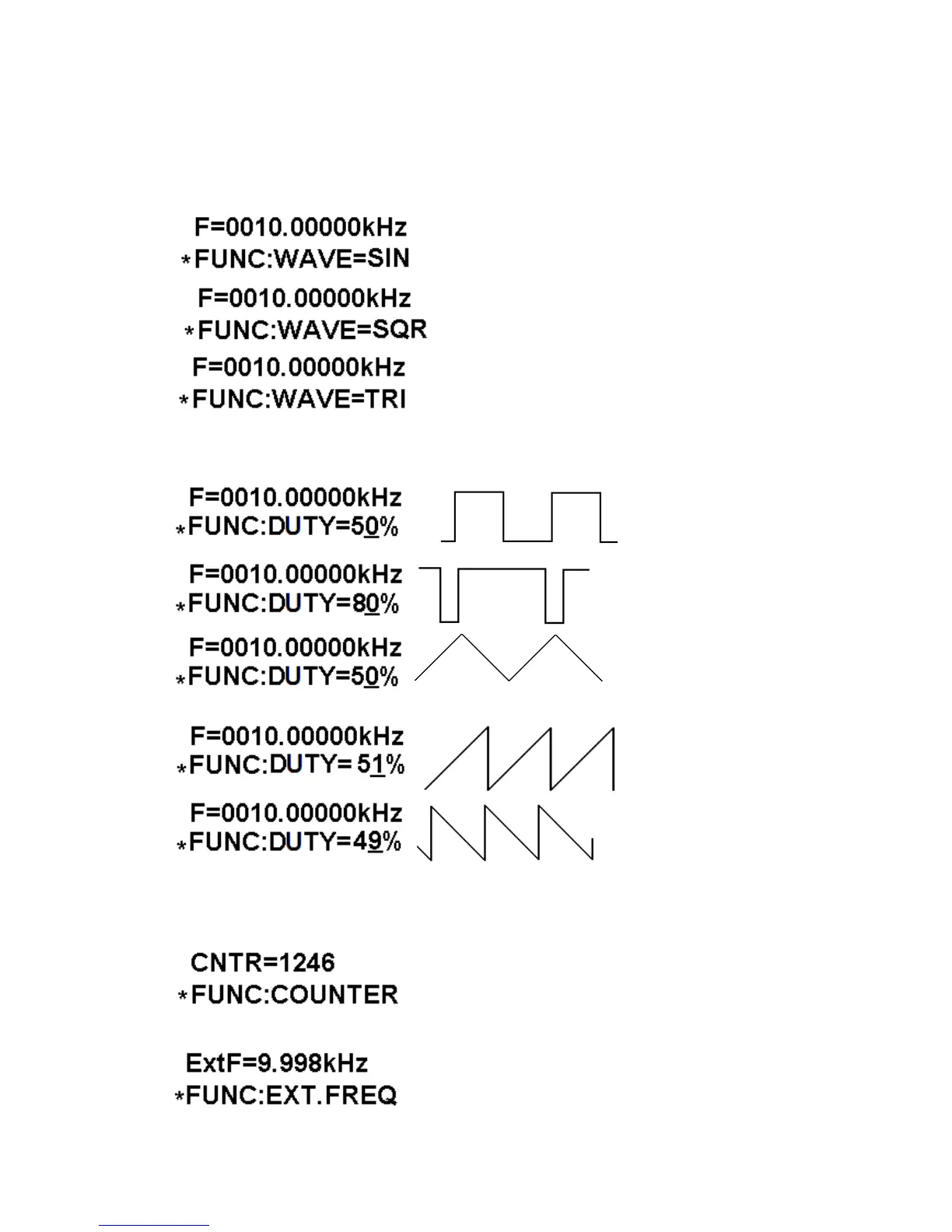
As WAVE adjusting, pressing “OK” which can change waves of SIN, TRI
and SQR.
main output waveform is sine.
main output waveform is square.
main output waveform is triangle.
5.
The “DUTY” means duty cycle, SQR adjusted from 1% to 99%, while TRI
adjusted from 50%(standard TRI), above 50% to below 50% (both are
different sawtooth waves, SIN is disable).
: (WAVE=SQR)
: (WAVE=SQR)
: (WAVE=TRI)
: (WAVE=TRI)
: (WAVE=TRI)
6.
COUNTER is counter function, and the counter values displayed on the
screen, impulse inputted from ExtInput, reset to “0”as “OK” pressed and
counting again.
7.
EXT.FREQ is exterior frequency measuring function, which can measure the
frequency of input signal.



 To Next Page