EasyManua.ls Logo

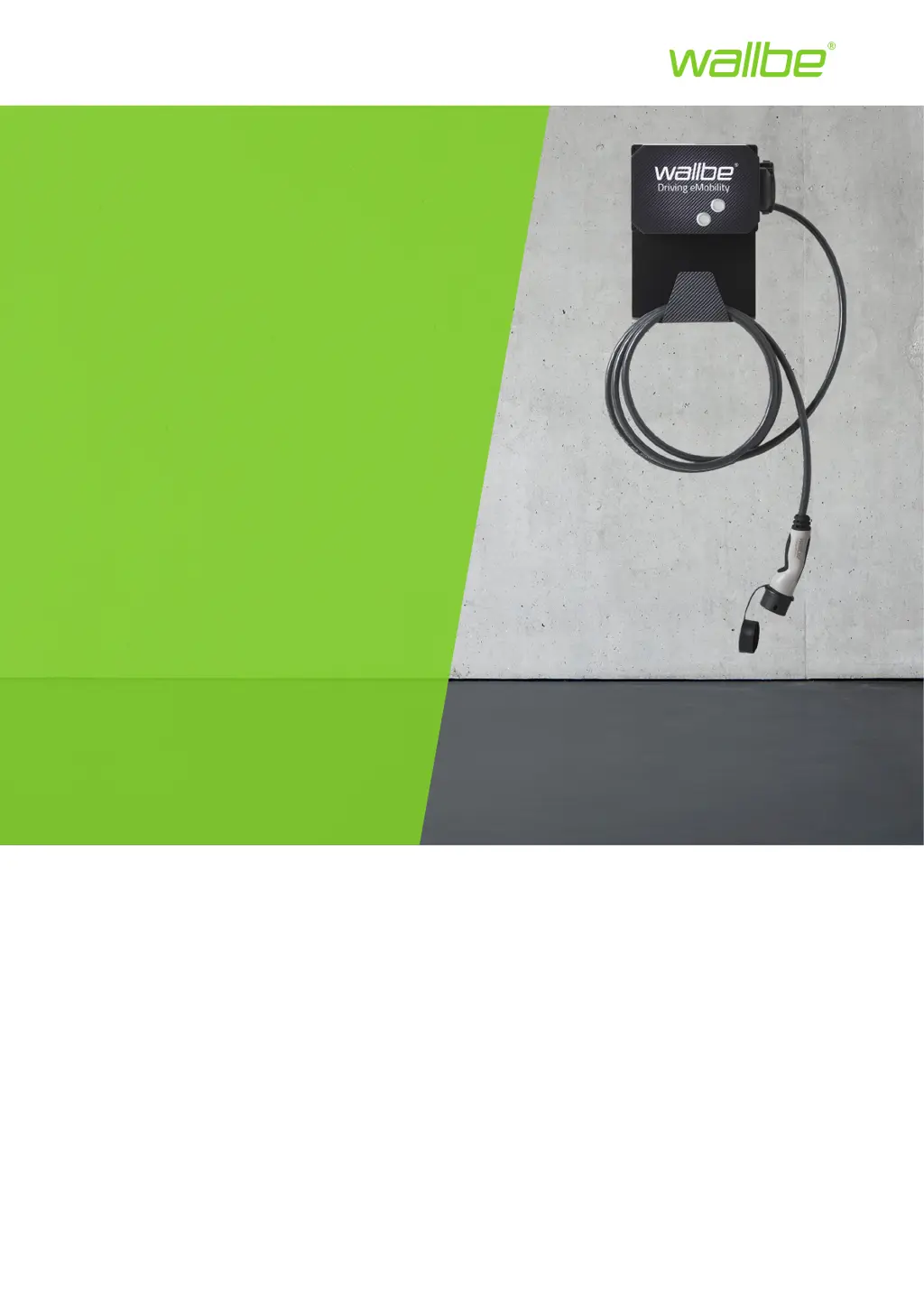
Wallbe Driving eMobility Eco 2.0 - User Manual

Wallbe Driving eMobility Eco 2.0
13 pages
Print Icon
To Next Page IconTo Next Page
Loading...
Driving eMobility
wallbe
®
Charging station
Eco 2.0
Wallbox & charging column
3,7 kW to 22 kW
INSTRUCTION MANUAL
110130-c 11/2019

Questions and Answers

  • J
    John MoraAug 3, 2025
    Why is my Wallbe Battery Charger not starting, and the LED is green?
    • C
      Catherine WrightAug 3, 2025
      The charging process may not start, and the status LED remains green on your Wallbe Battery Charger due to several reasons: * The vehicle might not be recognized. Ensure the plugs are correctly seated on both the vehicle and the charging station. If issues persist, check for error messages on the vehicle's display and consult a workshop if necessary. * The charging cable could be defective. Try using a different charging cable. * Authorization might not have been performed. Make sure to complete the authorization process.
  • O
    omorrisAug 8, 2025
    What to do if the Wallbe Driving eMobility Eco 2.0 status LED lights up red immediately after plugging in the charging cable?
    • H
      Harry KirbyAug 8, 2025
      If the status LED on your Wallbe Battery Charger immediately turns red after plugging in the charging cable, it could be due to a few reasons: * The charging cable might have too low of a current carrying capacity. Try using a charging cable with a higher current carrying capacity. * The charging plug may not be locking correctly. Reinsert the plug properly into the charging station's socket. * There could be a foreign object in the charging station's socket. Remove any foreign bodies from the socket.
  • A
    Alicia SkinnerAug 13, 2025
    What to do if the Wallbe Driving eMobility Eco 2.0 status LED suddenly turns red during charging?
    • A
      Ashley RodriguezAug 13, 2025
      If the status LED on your Wallbe Battery Charger suddenly turns red during charging, it indicates a DC error or general error. Remove the charging cable.
  • N
    nicholascrosbyAug 18, 2025
    What to do if the charging cable cannot be removed from Wallbe Battery Charger?
    • M
      Michael NewtonAug 18, 2025
      If you're unable to remove the charging cable from your Wallbe Battery Charger because the locking mechanism won't open, it might be stuck. This can happen if you tried to remove the cable too early. Try these steps: Insert the plug fully into the charging station's socket. Reconnect the charging cable to your vehicle. Then, disconnect the charging cable first from the electric vehicle and then from the charging station.
  • P
    pfigueroaAug 23, 2025
    What to do if the status LED does not light up on Wallbe Battery Charger?
    • J
      John StephensonAug 23, 2025
      The status LED on your Wallbe Battery Charger might not light up because the charging station isn't receiving power.
  • W
    William RussoAug 27, 2025
    What to do if the Wallbe Driving eMobility Eco 2.0 status LED shines red and no charging cable is connected?
    • K
      Katherine VegaAug 27, 2025
      If the status LED on your Wallbe Battery Charger is red and no charging cable is connected, it indicates a general error.

Summary

General Information

Introduction

Welcome and initial instructions for using wallbe charging stations.

Intended Use

Specifies the correct usage for charging electric and hybrid vehicles.

Safety

Signal Words

Defines hazard indicators like WARNING, CAUTION, and NOTE.

Safety Instructions

Crucial safety guidelines and precautions for operating the charging station.

Description of the Charging Station

Charging a Vehicle

Status LED Colors

Explains the meaning of different LED light colors indicating station status.

Connecting the Charging Cable

Step-by-step guide for safely connecting the charging cable.

Charging Process Steps

Starting the Charging Process

Instructions on how to initiate the vehicle charging procedure.

Ending the Charging Process

Procedures for safely stopping charging and disconnecting the cable.

Cleaning

Inspection and Maintenance

Troubleshooting

Support

Warranty

Warranty Card

Details on the warranty card and its importance for claims.

Warranty Conditions

Outlines the terms, duration, and exclusions of the product warranty.

Warranty Claim Procedure

Warranty Case

Information and requirements for submitting a warranty claim.

Disposal

Technical Data

Directives and Standards

Glossary

Wallbe Driving eMobility Eco 2.0 Specifications

General IconGeneral
BrandWallbe
ModelDriving eMobility Eco 2.0
CategoryBattery Charger
LanguageEnglish

Related product manuals