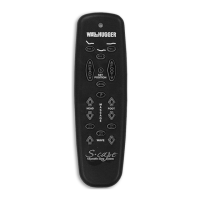
S-Cape
™
2MR Hand Control Operation Guide 99300906
“J BOX” PROGRAMMING PROCEDURE
When programming the hand control,
unplug the adjustable bed electrical
power cord. Wait 30 seconds, then plug
the cord back in to the power source.
This simple process automatically sets
the bed to the program mode for 90
seconds. For convenience, use this
procedure in lieu of pressing the learn
button (located on the J box, mounted to
the underside of the bed base frame).
“J BOX” PROGRAMMING
For adjustable beds equipped with “J box” only—no power down box.
At any point where “press the learn
button” is designated, disconnecting and
reconnecting the electrical power cord
will achieve the same function. Note that
this alternate programming feature is only
applicable to beds without a power down
box. Power down equipped adjustable
beds require use of the learn button
when programming the hand control.
POWER DOWN BOX OPERATION
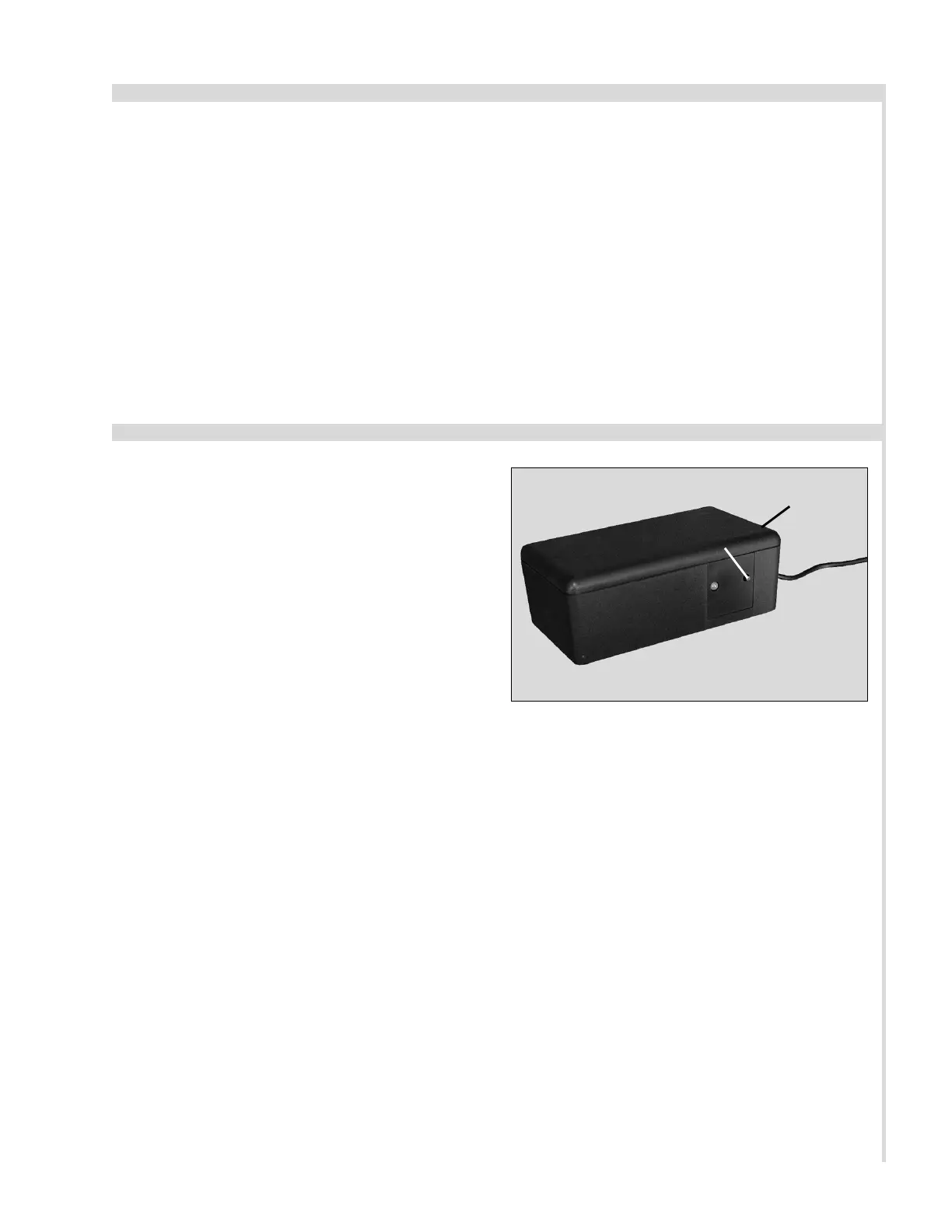
In case of a power outage, press and hold
the learn button on the power down box
to lower the bed to the flat position
(FIGURE 1).
This function is only for lowering the bed
and will not operate the bed to any other
position. The (2) 9 volt batteries should
be replaced after this function is used.
In the event the power down feature does
not work, check to make sure the (2) 9
volt batteries are good.
LEARN
BUTTON
FIGURE 1: Power down box learn button.
POWER
DOWN BOX
5


 To Next Page