12
Singal Source Setting
Enter Setting interface in the main screen and select input source. Enter into
HDMI signal channel, Press "OK" " to switch input source.
Note:
If you want to return to the previous layer, please press the return key;
If you want to return to the main interface, please press the main screen key.
Mobile Phone Projection
How to "push" contents to the projector
* Note: Advantage of push is it does not affect normal use of the mobile phone.
1. Ensure the Phone and Projector are under the same WIFI.
2. Open "Eshare".
3. Open "Airplay" / "Screen Mirror".
4. Find the projector and click.
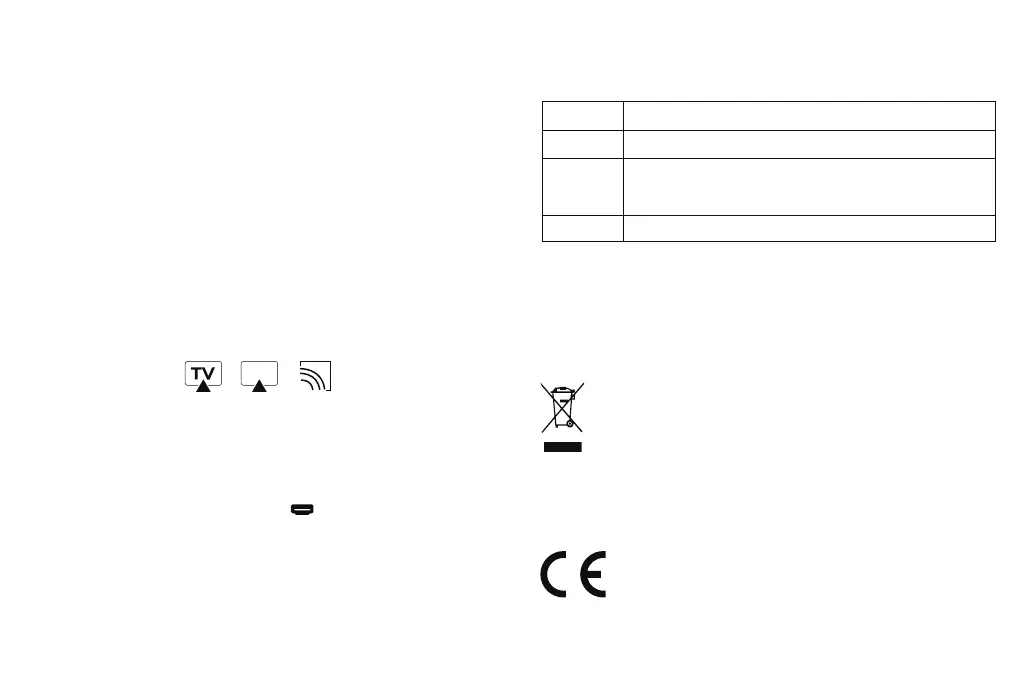
5. Open video software of the mobile phone and finds the TV push icon in the four
corners (it’s usually on the top right or on the bottom right) (Each APPs have different
push icon design).
* Note: Not all video software have function of push.
6. Click this icon to push videos to the projector. At the same time, we can have other.
operations on the phone, it will have no conflict.
Schematic diagram of some push icons
U Disk Support Format
File Type
Picture
Video
Audio
Note: Specific operation contents are subject to actual situation due to irregular update
of the product system.
FILE FORMAT SUPPORTED
JPG/PNG/BMP
AVI,DAT,FLV,MKV,MOV,MPG,MPEG,MP4,RM,RMVB,SWF,
3GP,TS,VOB
AMR,FLAC,M4A,MP3,MP2,OGG,WAV
WEEE Disposal and Recycling Information:
All products bearing this symbol are waste electrical and electronic equipment
(WEEE as in directive 2012/19/EU) which should not be mixed with unsorted
household waste. Instead, you should protect human health and the environment
by handing over your waste equipment to a designated collection point for the
recycling of waste electrical and electronic equipment, appointed by the
government or local authorities.Correct disposal and recycling will help prevent potential
negative consequences to the environment and humanhealth. Please contact the installer
or local authorities for more information about the location as well as terms and conditions
of such collection points.
EU Declaration of Conformity
Hereby, Shenzhen Wanbo Technology Co., Ltd declares that the radio
equipment is in compliance with Directive 2014/53/EU.


 To Next Page