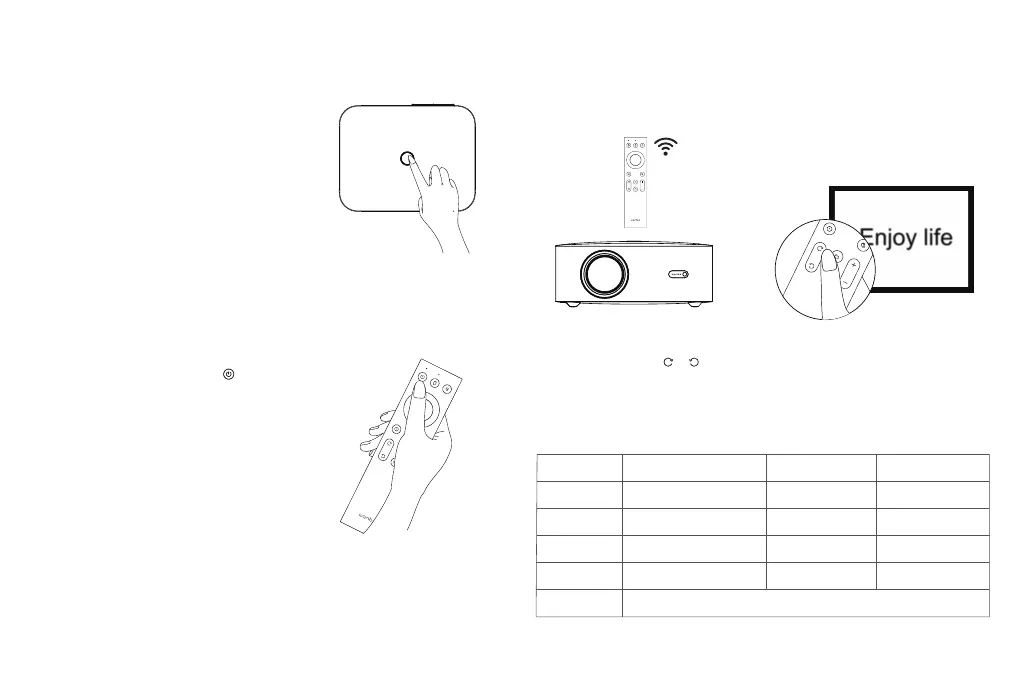
Short press the power button or the " " key on the remote control,
once shutdown prompt box appears, short press the power button
or the power key on the remote control again.
Installation and Adjustment
1. Device Power-On and Power-Off
Method 1: Press the power button on the projector to start.
Method 2: Point the remote control to the projector and press
the power key to turn it on.
Power-On
Power-Off
Basic Parameters
Product Name
Light Source
Operation Mode
Output Port
Net Weight
Accessory
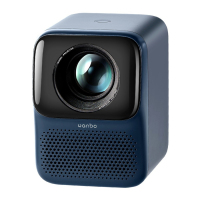
Wanbo Projector
LED
Remote Control
Headphone Audio Output
1.53 kg
User Manual / RemoteControl / Power Cord
Display Principle
Horn
Working Environment
Input Port
Machine Size
LCD
5W*2
0-35 ° C
HDMI/USB/AV IN
225*175*93.5 mm
2. Adjusts Focal Length
Schematic diagram of blurred image
Focus Length: When the picture image is blurred (indicated as the right picture), adjust
the lens focus through " " " " on the remote control to achieve the best definition.
11



 To Next Page