11
Adjusting the Focal Length
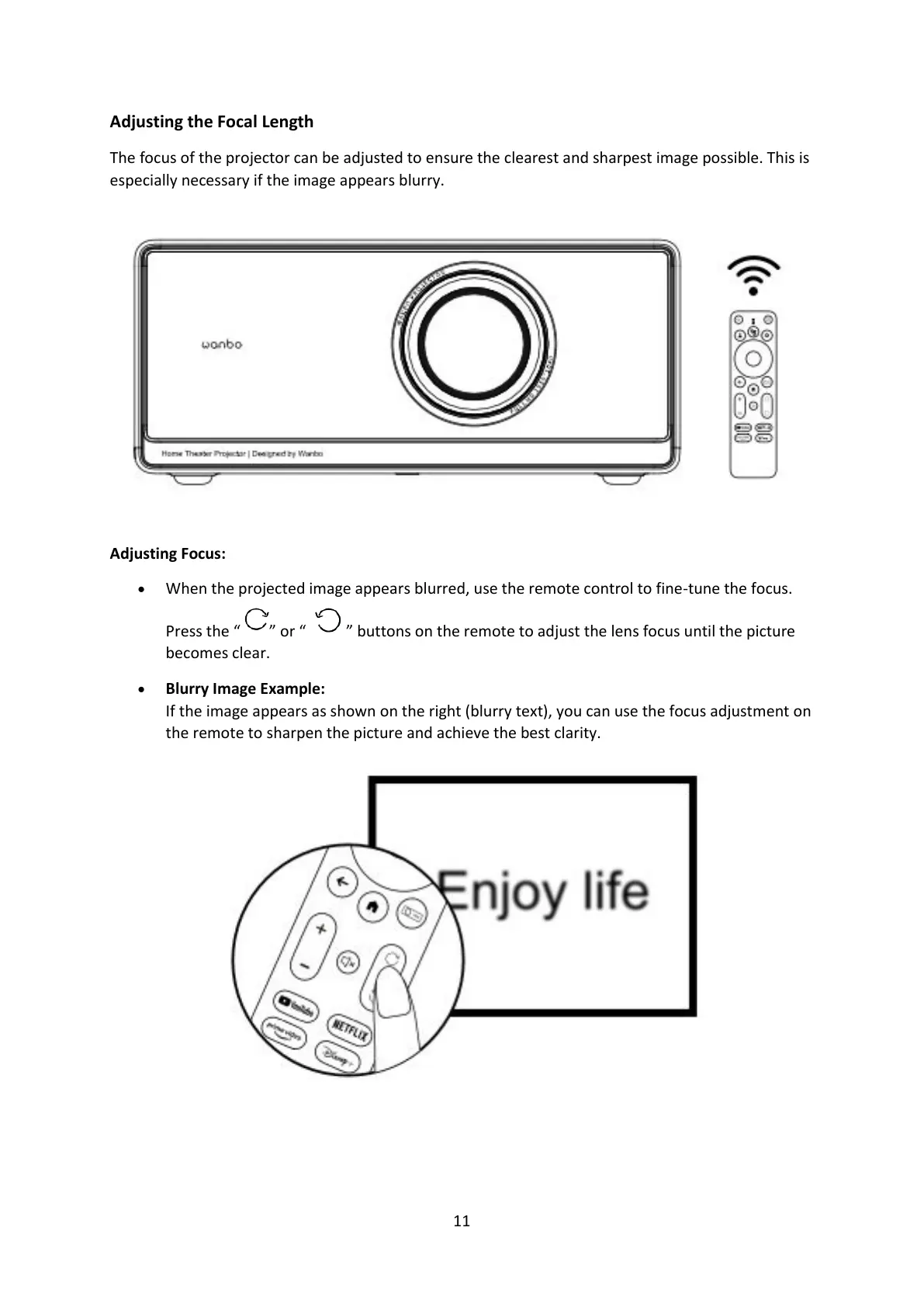
The focus of the projector can be adjusted to ensure the clearest and sharpest image possible. This is
especially necessary if the image appears blurry.
Adjusting Focus:
• When the projected image appears blurred, use the remote control to fine-tune the focus.
Press the “ ” or “ ” buttons on the remote to adjust the lens focus until the picture
becomes clear.
• Blurry Image Example:
If the image appears as shown on the right (blurry text), you can use the focus adjustment on
the remote to sharpen the picture and achieve the best clarity.


 To Next Page