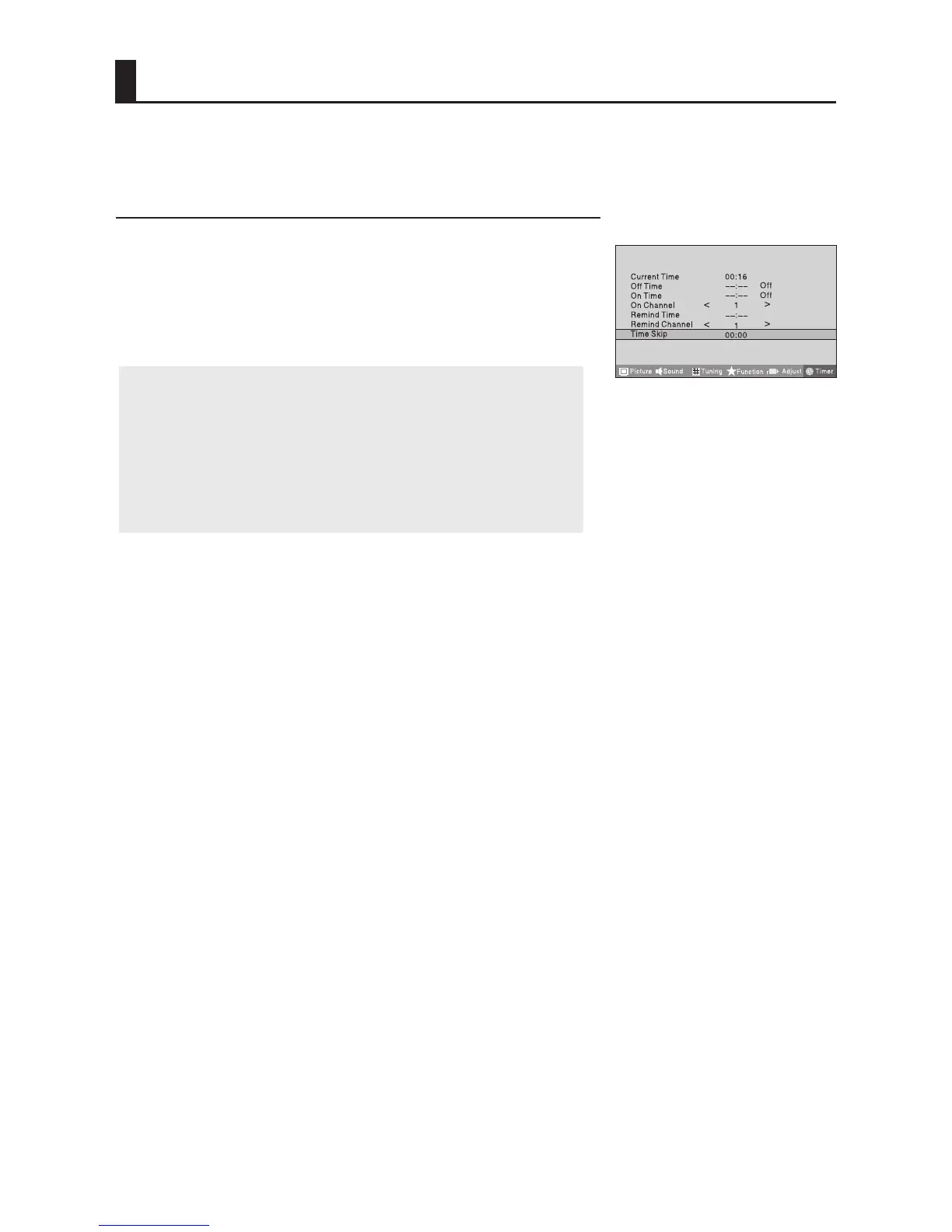
Time Skip
1 Press MENU button and then use VOL+/- button to select
Timer menu .
2 Press CH+/- button to select Time Skip, and then press
VOL+ button to set the desired time.
Note:
1.
2. The function will be available in TV mode.
3.
If prior to the completion of the countdown time,
press the Timer Skip button, the function will be
canceled.
After start-up time skip function, if switched to other
sources, the function automatically canceled.
Timer Functions
menu



 To Next Page