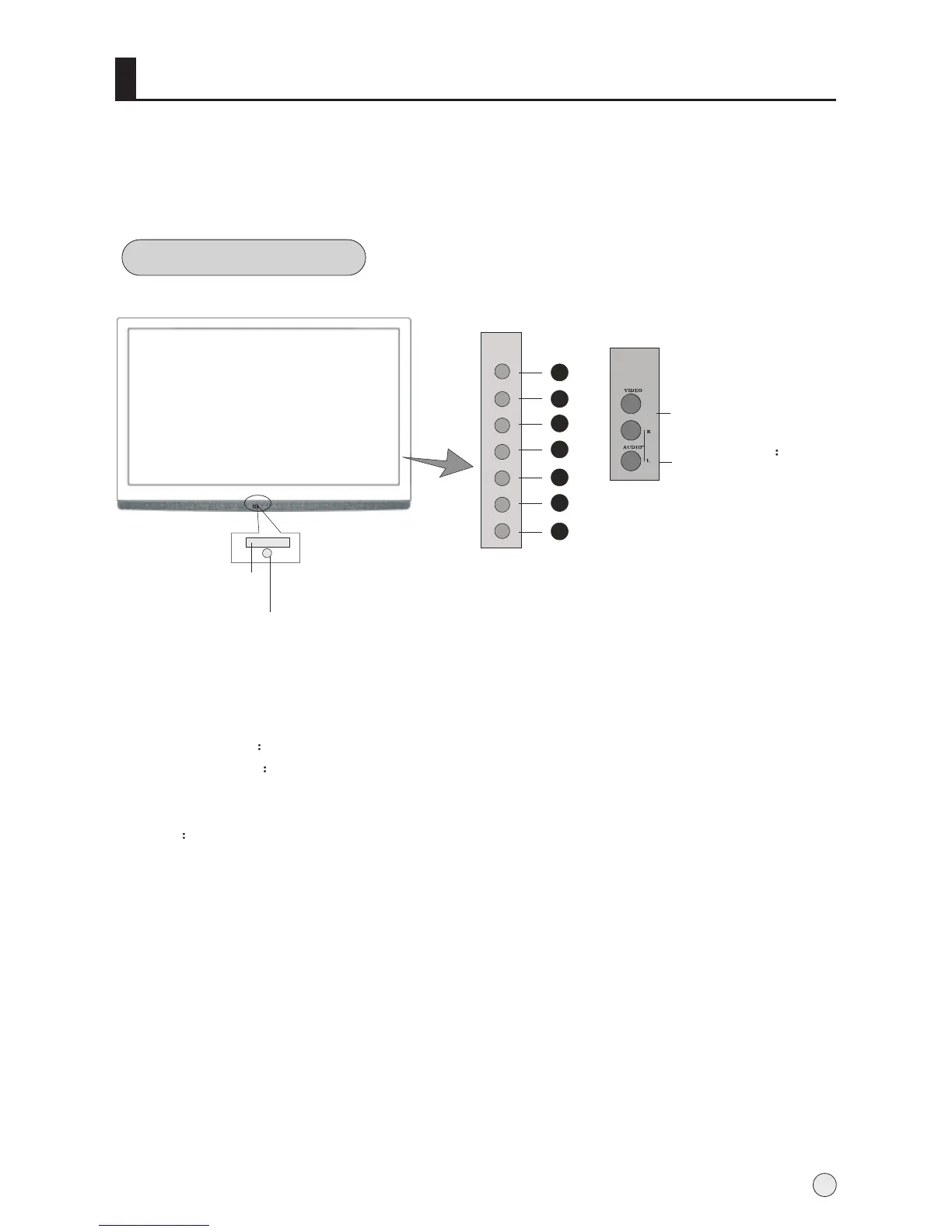
Front panel Control
- This is a simplified representation of front panel.
- Here shown may be somewhat different from your TV.
Buttons and interface location
4
Buttons and functions
1. TV/AV button
2. Menu button
3. Volume increase for enhancing the volume or adjusting MENU.
4. Volume decrease for lowering the volume or adjusting MENU
5. Channel number increase
6. Channel number decrease.
7. Power for turning on or off the power supply.
Indicator
Remote Sensor
Side
Side AV
VIDEO input
L-AUDIO-R
left and right
audio input.
1
MENU
CH+
CH-
VOL+
VOL-
TV/AV
POWER
2
3
4
5
6
7



 To Next Page