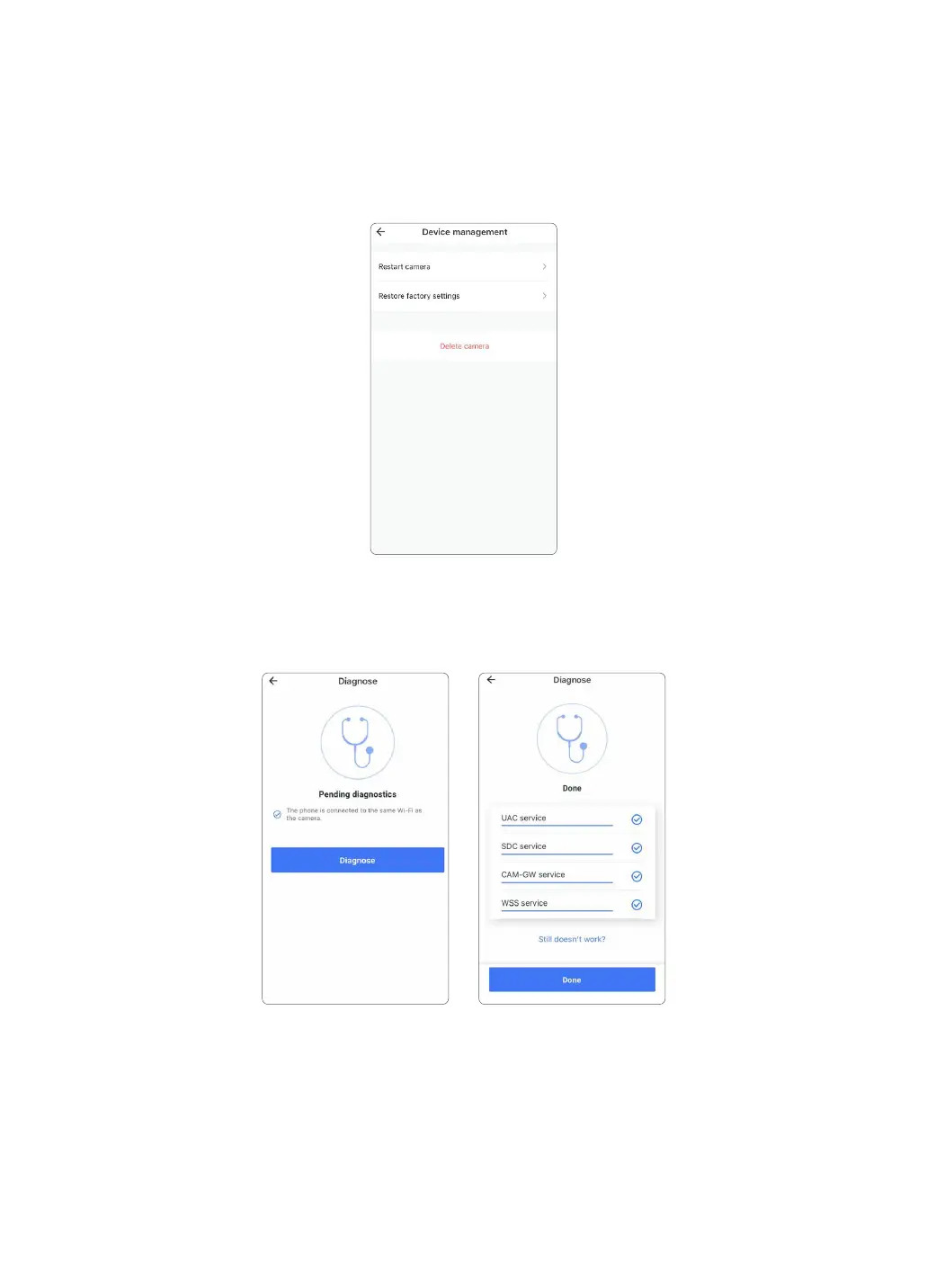
5.5.5 Diagnose
If your camera can’t pair success or the APP have any breakdown, user can tap this page to allow
the built-in diagnostics system running to check problem. User could provide the diagnostic
report to Wansview Support to ask for suggestions.
5.5.4 Device Management
User can restart the camera or restore the camera to factory settings by tapping this icon
directly. You can delete the camera from here too. After deleting, the previous data will be
defaulted to zero.
Please note that the camera should be set up again as new if the camera is restored to the
factory settings or being deleted from the Device page.
17



 To Next Page