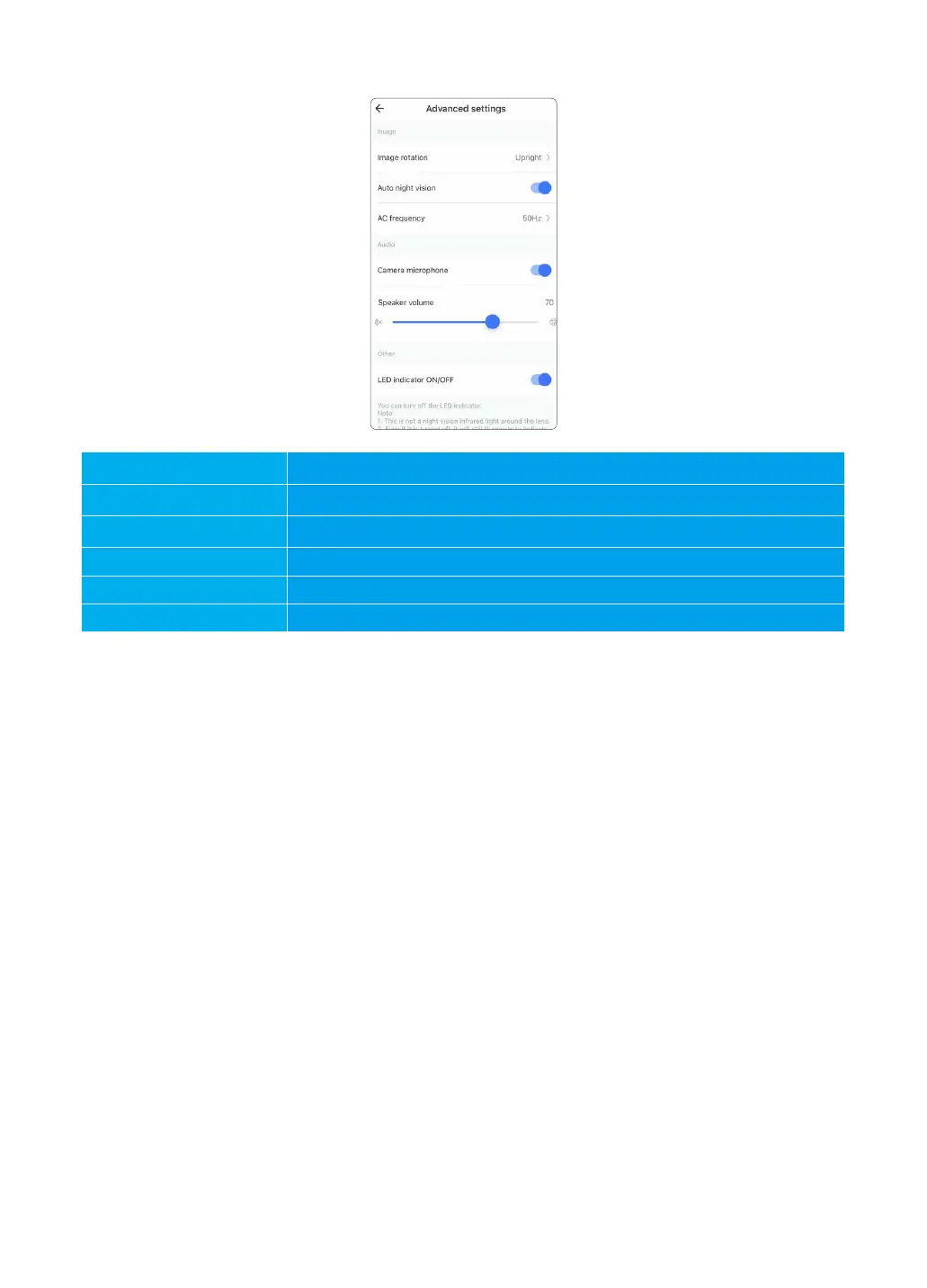
5.6 Advanced Settings
User can rotate the image if the camera is installed upside down.
Enable the night mode to view the camera at dark clearly.
Adjust the power frequency to 50hz or 60hz.
Enable the microphone to pick up and deliver the sound.
Adjust the speaker volume if the audio sound is too low
Hide the actual camera status. If enabled, Solid red light is off.
Image rotation
Auto night vision
AC frequency
Camera microphone
Speaker volume
LED indicator ON/OFF
18



 To Next Page