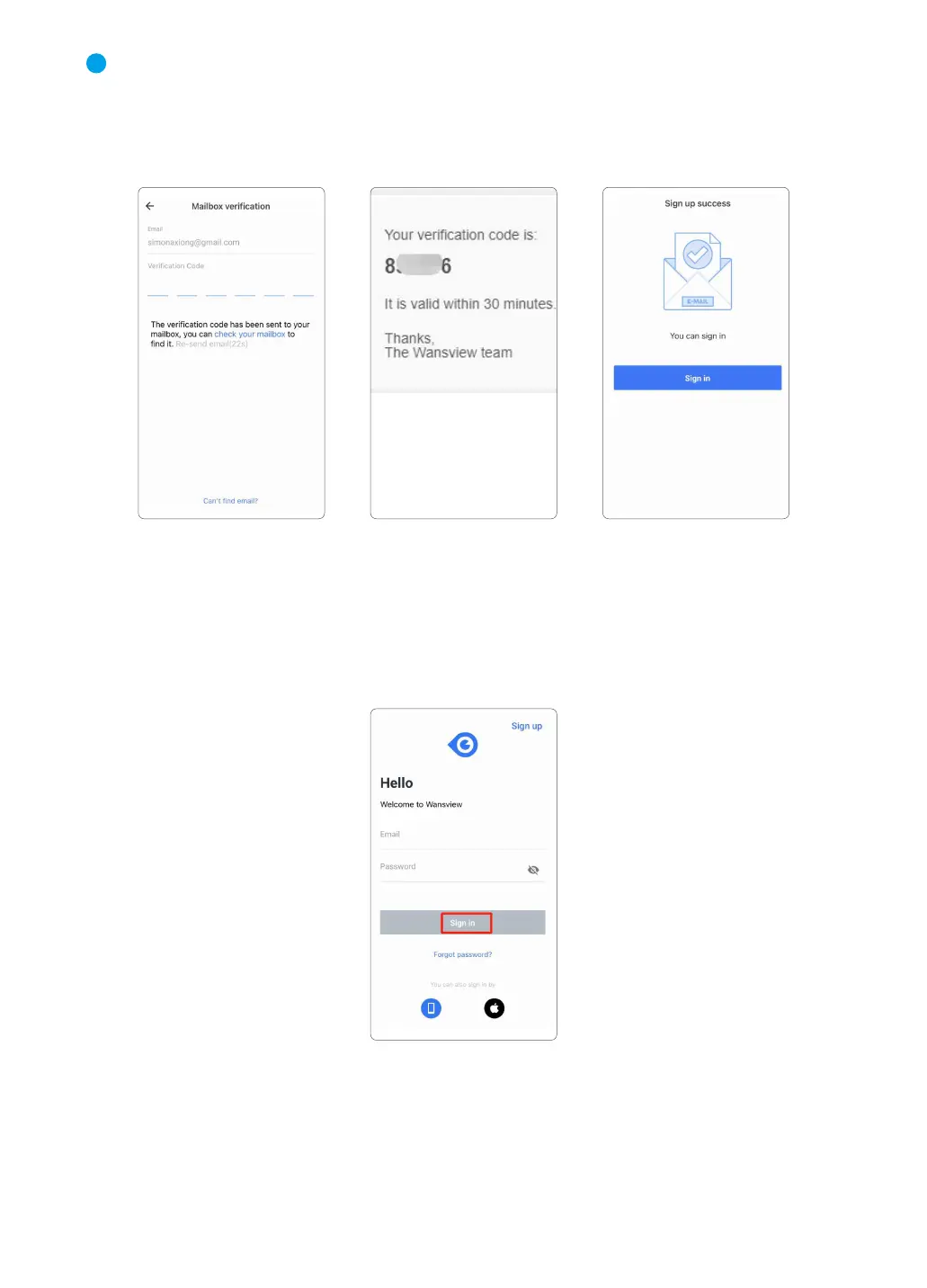
Please go to your mailbox to find a mail that includes a verification code, enter the code to
finish the sign-up page.
If you cannot find the mail, please check the spam or tap Re-send mail. Or you can
contact us by sending an email to service@wansview.com. You can also choose Phone
number or Google account to sign in.
③
2.3 Sign in
When using for the first time, you need to enter the email address and password of your app
account to log in.
After signing in successfully, you can set a gesture login or Touch ID. (Wansview cloud
app--Me page--【Account security】--【Touch ID/Gesture login】)
3
05



 To Next Page