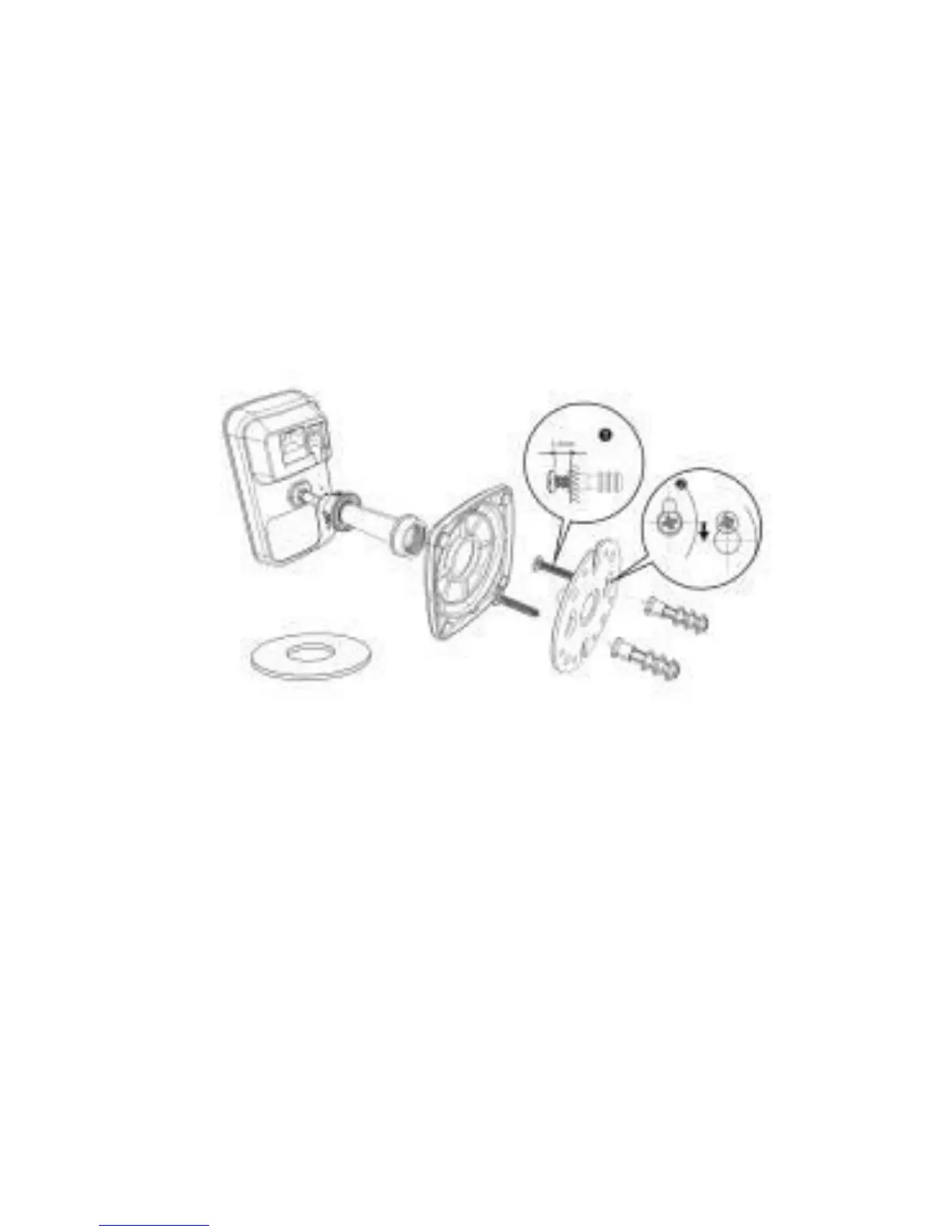
Camera Mounting
To mount the +Cam to a wall, unscrew the
base of the camera and remove the metal
plate.
With the included screws and anchors,
fasten the mounting bracket on to the wall.
Then, reattached the base cover and
screw the stand back on to the mounting
bracket.



 To Next Page