www.wansview.com
35
4. Manage Camera with other Apps and Soware
Add Camera to iSpy Connect
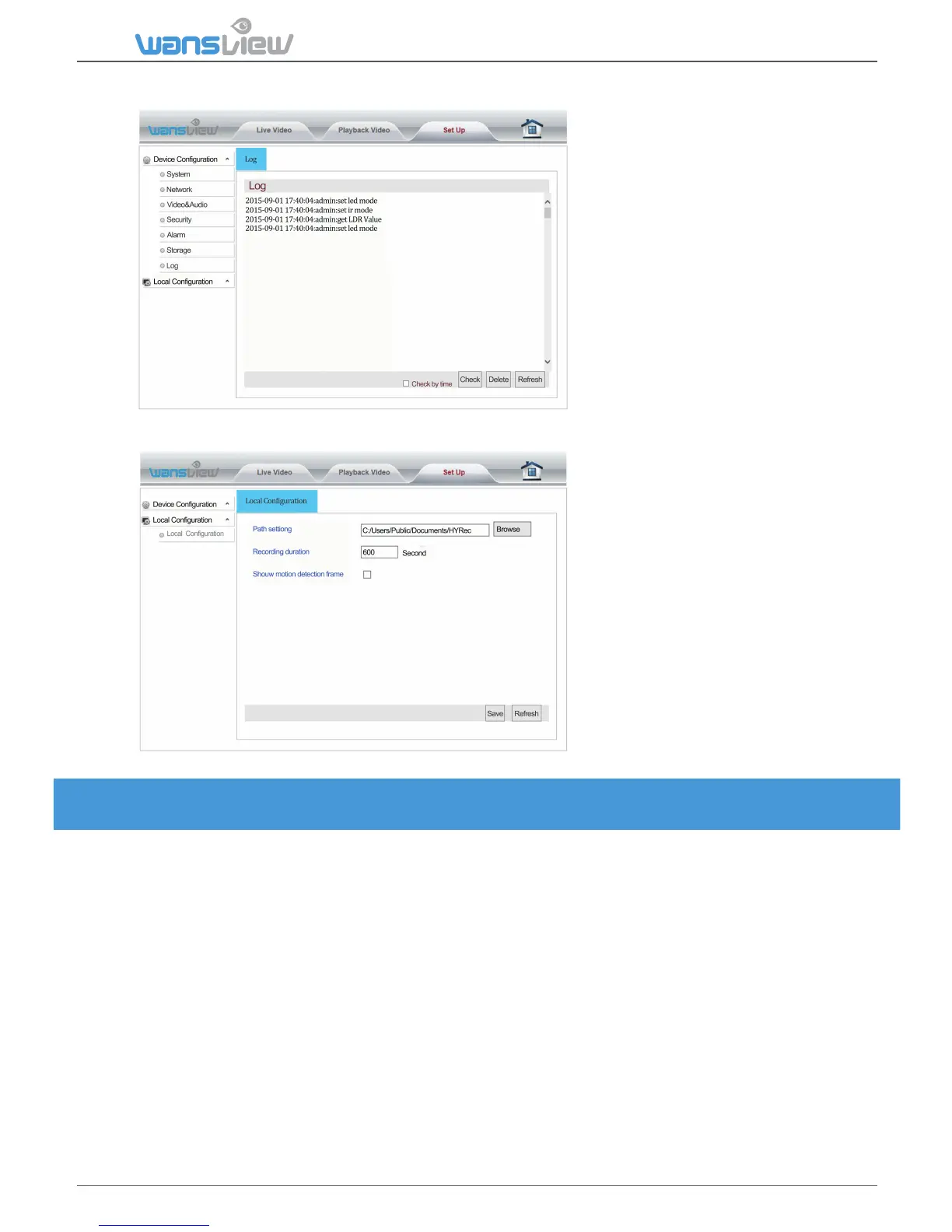
3.4.7 Log
Log > Local Configuraon (not available for MAC users)
Enter "Local Configuraon". You can
set the save path for videos and
pictures on your PC as well as the
recording duraon.
Reminders:
1: When using IE9 or higher, please
run the browser video path and
picture path as "administrator" so
that you can save the files
successfully. The default video path
is "HYRec" on disk C. The default
picture path is “HYSnap” on disk C.
2: The user can start up the Moon
Detecon Alarm and view the
flashing box on the screen.
Steps
1.Add IP Camera
2.In the Video Source mask, select the FFMPEG(H2.264) tab
3.In the URL field type: rtsp://user:password@IP:port/live/ch0 or ch1 or ch2
4.RTSP Mode: select TCP
5.Test
6.Click OK
7.In the following mask, click finish
8.The camera is online
User: your user
Password: your password
IP: your camera’s IP (get it from the app)
Port: your camera’s port (get it from the app



 To Next Page