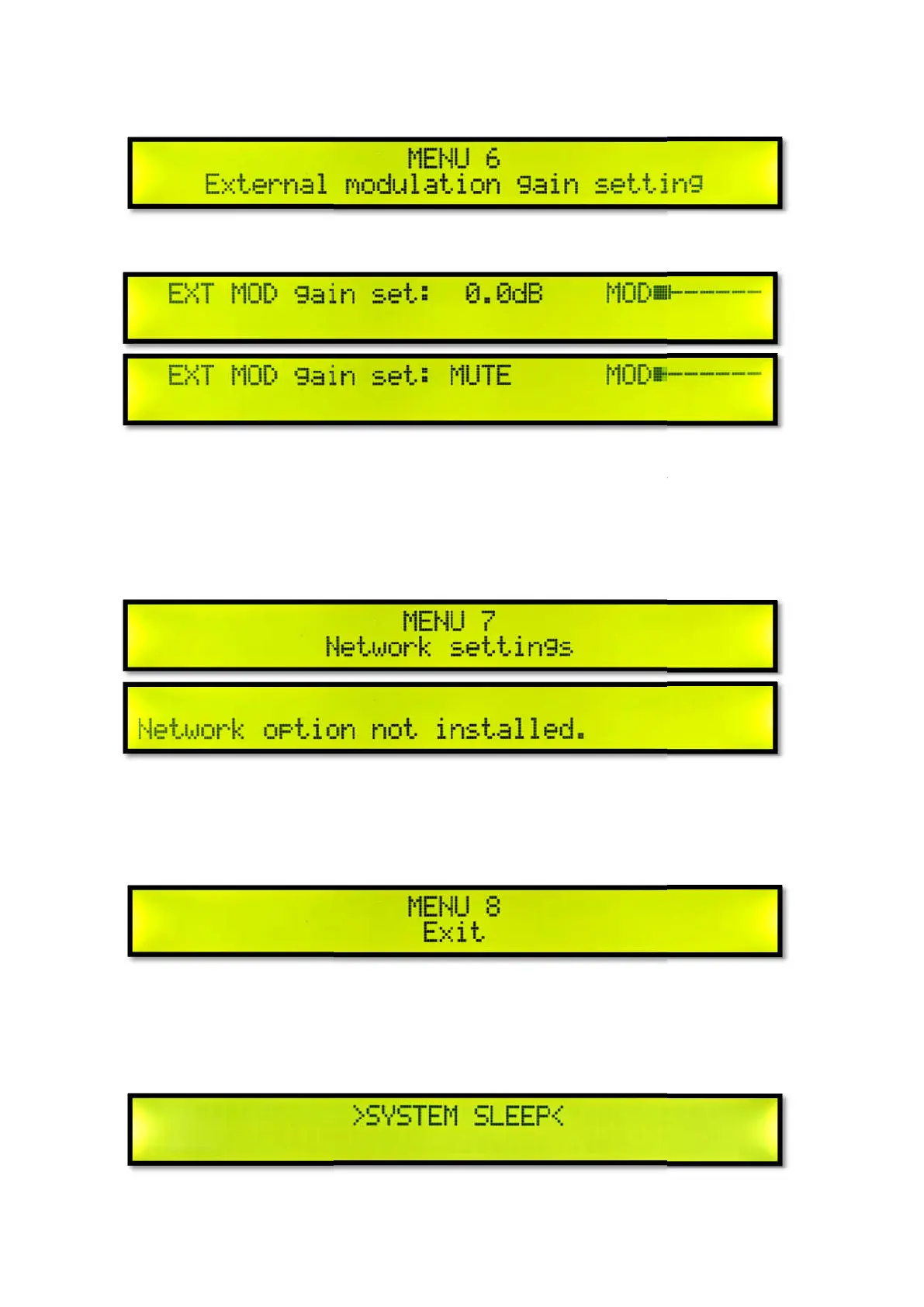
Menu 6 External Modulation Gain Setting
Short press the knob to set the external modulation gain.
Turn the knob to adjust the external
MUTE. Short press the knob to exit the external modulation gain setting. And return to Menu 6
External Modulation Gain Setting.
Network option detected not install
Menu 8 exit the menu
Short press the knob to exit the menu and return to the main interface.
System sleep
Menu 6 External Modulation Gain Setting
Short press the knob to set the external modulation gain.
Turn the knob to adjust the external
modulation gain in real time. If you want to set mute, adjust to
MUTE. Short press the knob to exit the external modulation gain setting. And return to Menu 6
External Modulation Gain Setting.
Network option detected not install
ed. Short press the knob to exit.
Short press the knob to exit the menu and return to the main interface.
modulation gain in real time. If you want to set mute, adjust to
MUTE. Short press the knob to exit the external modulation gain setting. And return to Menu 6



 To Next Page