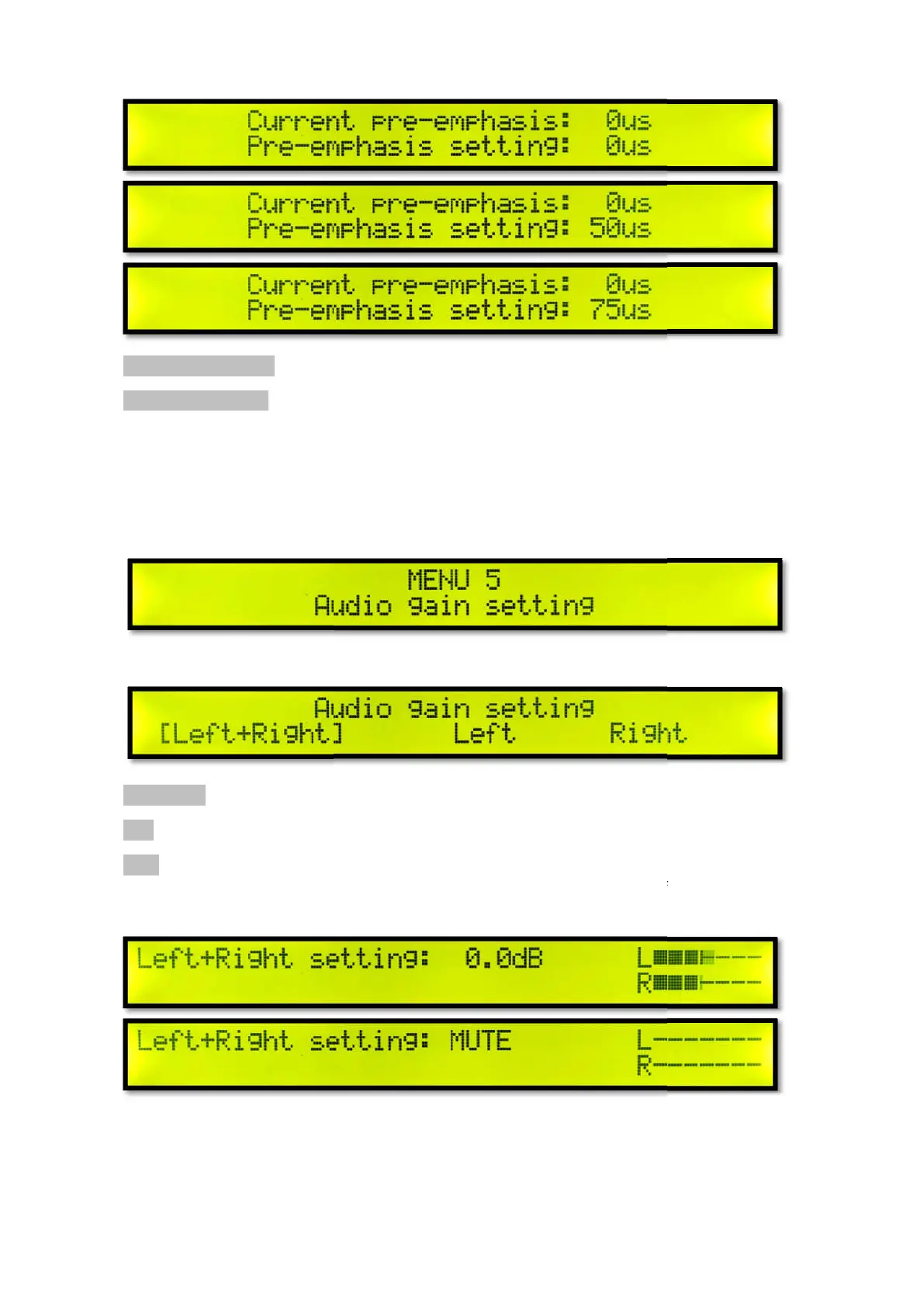
Current pre-emphasis
Pre-emphasis setting: Pre-
Turn the knob to adjust the audio pre
emphasis
setting. And return to menu 4 Audio Pre
Menu 5 Audio Gain Setting
Short press the knob to enter the audio gain setting.
Left + Right Left channel +
Left Left channel
Right Right channel
Turn the knob to select the
audio channel setting, short press the knob to confirm the audio channel
setting.
Turn the knob to adjust the audio channel gain in real time.
and R levels to full without OVER. If you want to set mute, adju
exit the audio gain setting. And return to menu 5 audio gain setting.
-emphasis
Turn the knob to adjust the audio pre
-
emphasis setting, short press the knob to confirm the audio pre
setting. And return to menu 4 Audio Pre
-emphasis Settings.
Menu 5 Audio Gain Setting
Short press the knob to enter the audio gain setting.
audio channel setting, short press the knob to confirm the audio channel
Turn the knob to adjust the audio channel gain in real time.
For best sound
and R levels to full without OVER. If you want to set mute, adju
st to MUTE. Short press the knob to
exit the audio gain setting. And return to menu 5 audio gain setting.
emphasis setting, short press the knob to confirm the audio pre
-
audio channel setting, short press the knob to confirm the audio channel
, try adjusting the L
st to MUTE. Short press the knob to



 To Next Page