Page 8
Snooze
To delay the alarm clock, press the “LIGHT | SNOOZE” button when the alarm is
ringing. The snooze timer can be set after setting the alarm clock
(default: 05 = 5 minutes).
Troubleshooting
The clock is not working. Check the power supply to the clock,
make sure the cable and adapter are
connected properly.
Make sure to use the correct camera
setting from the original manual, and
check the image and trigger event
before putting it into the clock case.
Make sure the camera IR light has
turned off from the Wyze app and the
infrared light switch inside the clock is
at the "Auto" position.
The camera image is blurry,
overexposed, or too dark. Camera
recording, motion trigger, and voice
recording aren’t working.
Make sure there are no objects in front
of the clock case reflecting the LED
light.
The camera image is too bright and
I cannot see the objects far away.
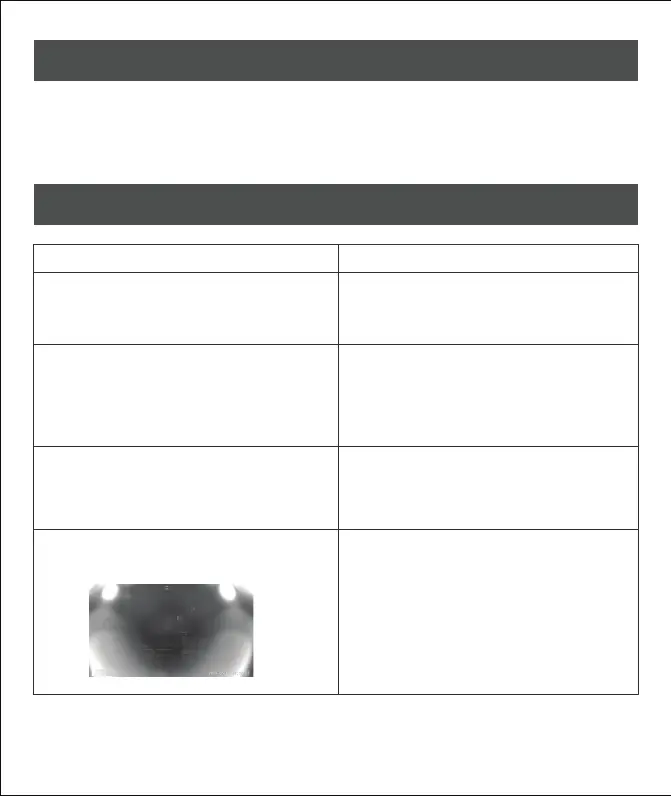
The camera image is dark or out of
focus. (See image below)
Problems Possible solution



 To Next Page