Page 7
Alarm Setup
1. To set the alarm, press and hold the “ALARM” button until the display starts
flashing. Use the “+/-” button to adjust the digit and set the snooze feature.
Press the “ALARM” button again to confirm the setting.
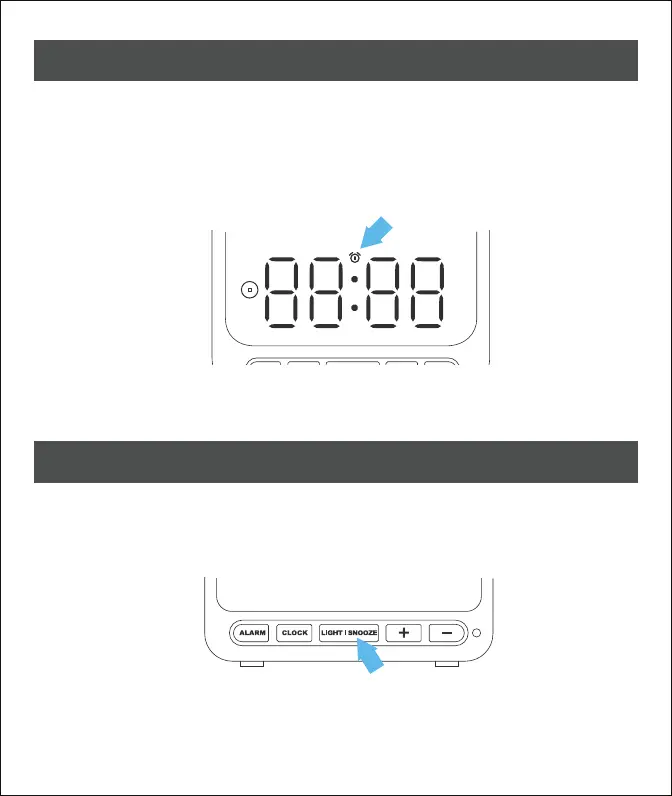
2. To activate the alarm clock, press the “ALARM” button twice. The alarm clock
icon will show up on the display indicating that it is activated.
Display On/Off and Brightness
1. To turn off the display, press and hold the “LIGHT | SNOOZE” button for
5 seconds. Press any key to activate the display.
2. To switch the display brightness, press the “+” button when the clock is
showing.
3. To stop the alarm, press any button except "LIGHT | SNOOZE" when the clock
is ringing.



 To Next Page