Page 6
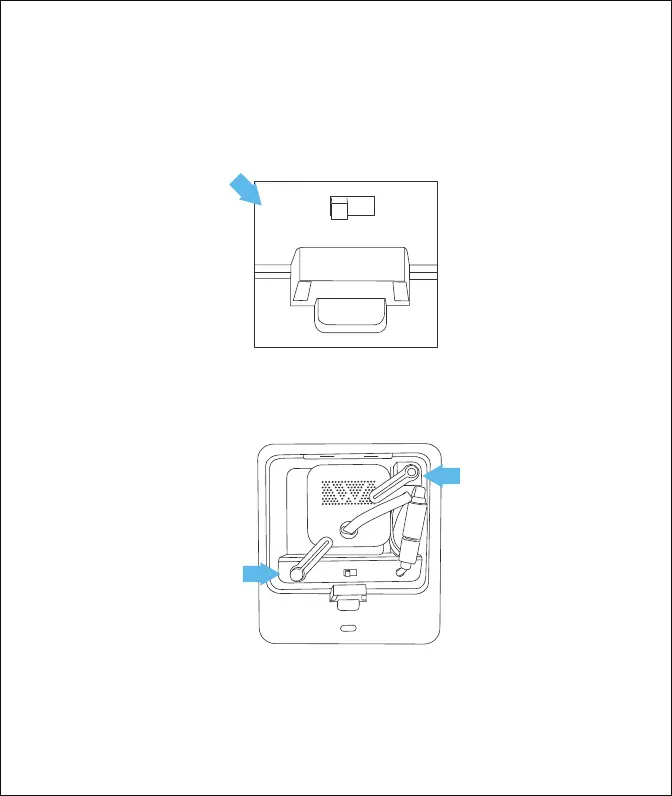
5. Insert the camera into the clock, then flip the infrared light switch inside the
compartment to “Auto”.
7. Move the clock to your preferred location.
6. Check the image from the app in daylight, as well as in a dark room. If it looks
good, lock the camera firmly with the pushers at the top and bottom,
and close the back cover.
AUTO
IR
ON



 To Next Page