Page 4
Camera Setup
Note: Setup and pairing are easier before putting the camera into the clock.
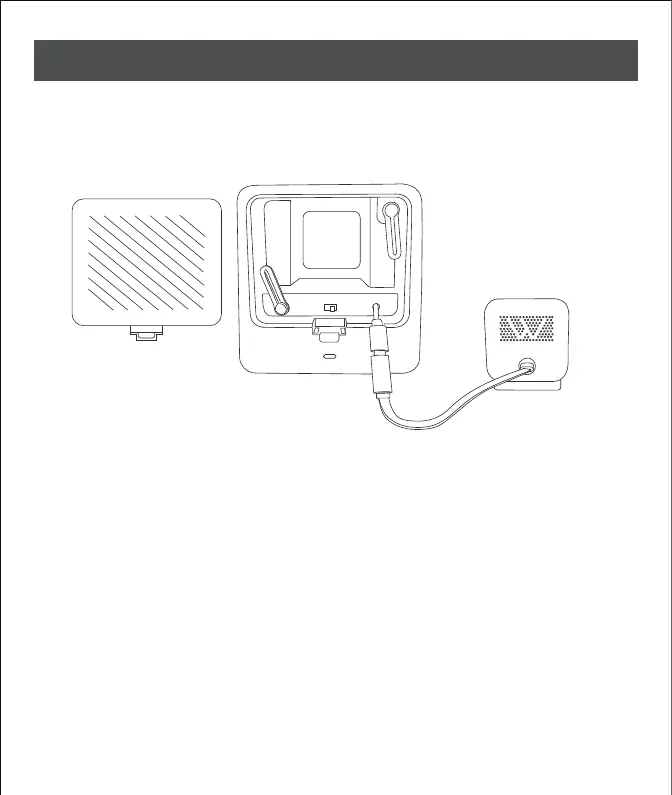
1. Remove the back cover and connect the power cable inside the compartment
to the Wyze Cam V3.
2. Follow the camera user guide to pair and set up the camera and connect to
the Wi-Fi network. (If your camera has been setup previously, we suggest you
reset your camera and update with the latest firmware.)
3. Once the camera step up is complete, carefully change the setting in order
to operate the night vision inside the clock case.
AUTO ON



 To Next Page