Page 10
0.6
22
20
18
16
14
12
10
AWG
0.8
1.0
1.3
1.6
2.0
2.6
MM
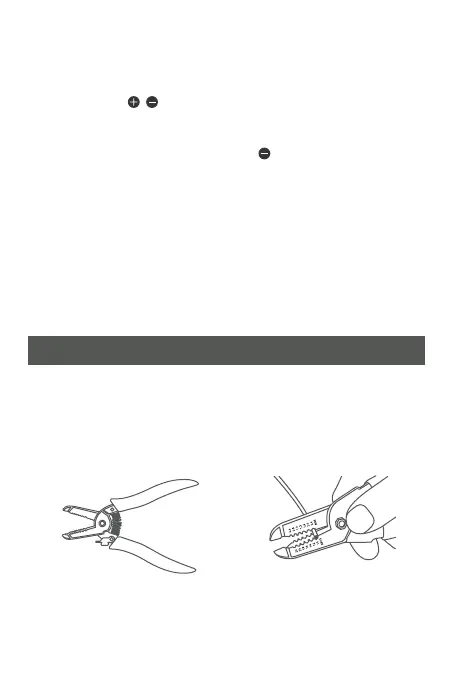
How to strip a wire using a wire stripping tool
1. Get a wire stripping tool
labelled for your type of
wire.
CAUTION: Always wear protective gear and use proper
tools and techniques to avoid injury.
2. Find the notch that
matches your wire’s
gauge.
Change the Halo LED Brightness Adjustment
• LED will automatically turn on when the ambient light
goes down.
• Press the / button to adjust the brightness to your
preferred level. (7 Levels)
• To turn off halo LED, press the button until the halo
LED is off.
Additional Chime(s)
• You can connect up to 5 wireless chimes with a single
transmitter. Simply plug in the additional wireless chime
to the wall outlet and follow the pairing instructions.
• Each chime can be set with its own tune and LED color.


 To Next Page