Page 6
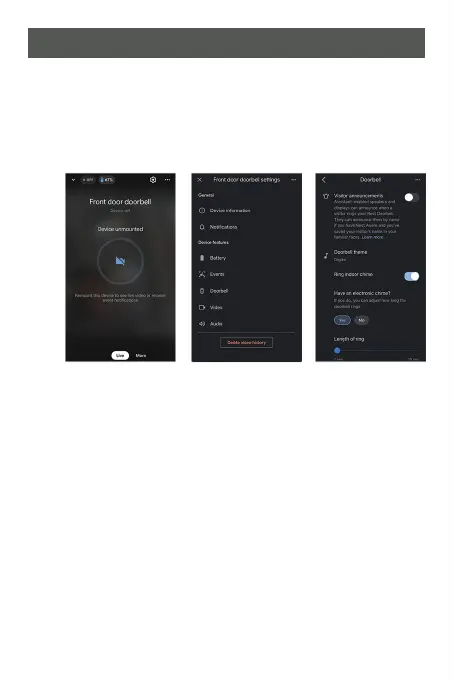
Google Nest Doorbell Setup
1. Make sure the Google Nest Doorbell is connected to
Wi-Fi.
2. Go to "Settings" by clicking the gear symbol on the top
right.
3. Go to "Doorbell".
4. Make sure Ring indoor chime is "ON".
5. Press the doorbell and indoor chime will ring.
Note: Google Nest Doorbell might take a minute to
update the setting.
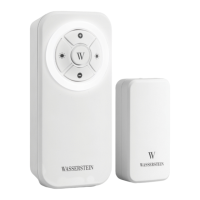
6. Confirm the transmitter and receiver is paired.


 To Next Page