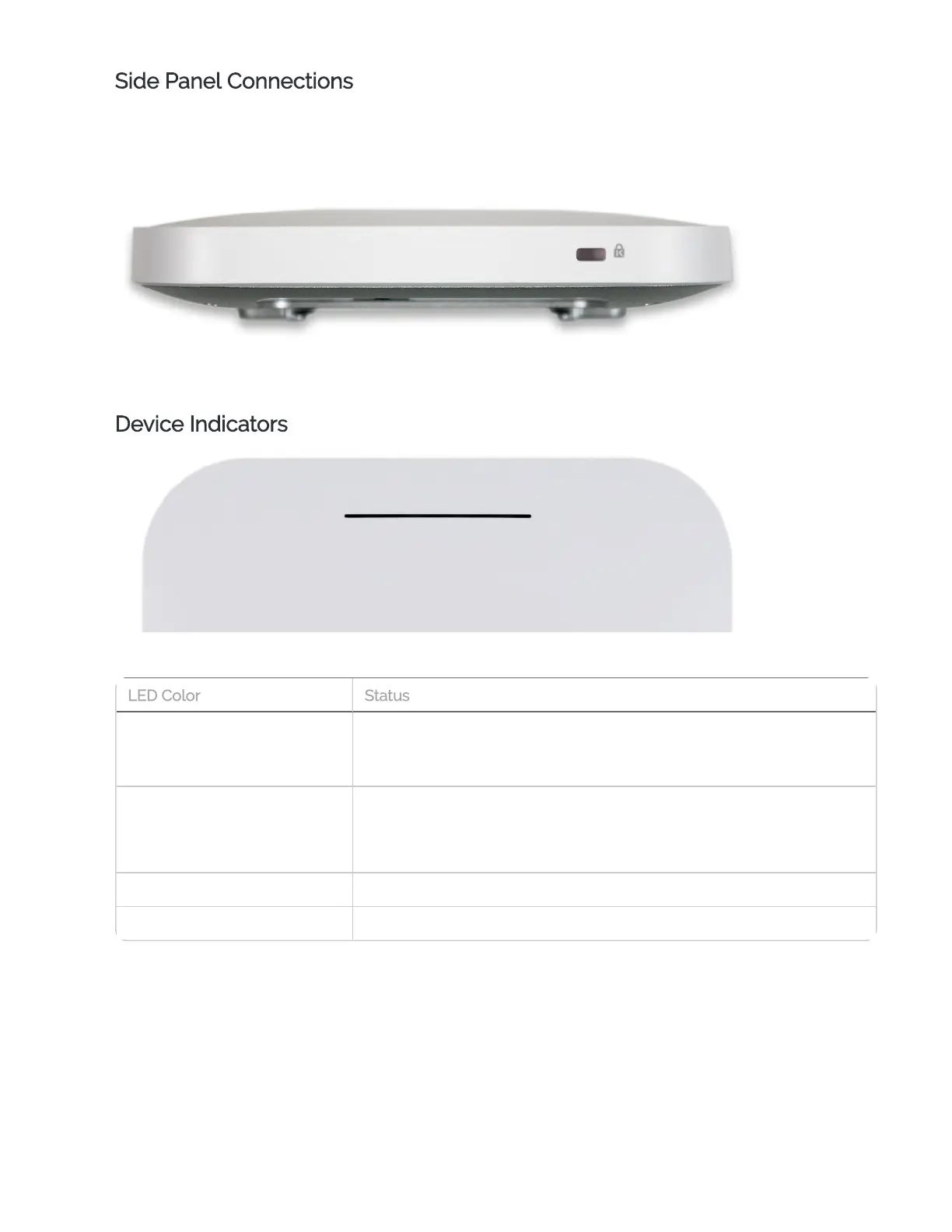
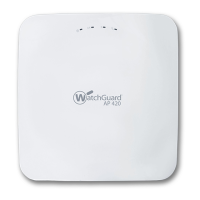
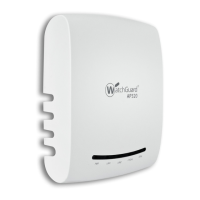
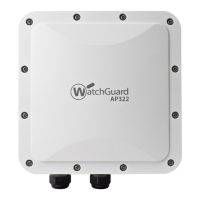
Side Panel Connections
Kensington Lock Slot
The Kensington security lock slot is for use with a security cable to secure your device.
Device Indicators
The device has a single LED indicator that can show these conditions:
Solid Red
Device is booting
(Solid Red indicates a hardware issue)
Flashing Red
Device cannot connect to WatchGuard Cloud
Device did not receive an IPaddress from DHCP
Solid Blue Device is online
Flashing Blue Flash LED action from WatchGuard Cloud
LEDColor Status


 To Next Page