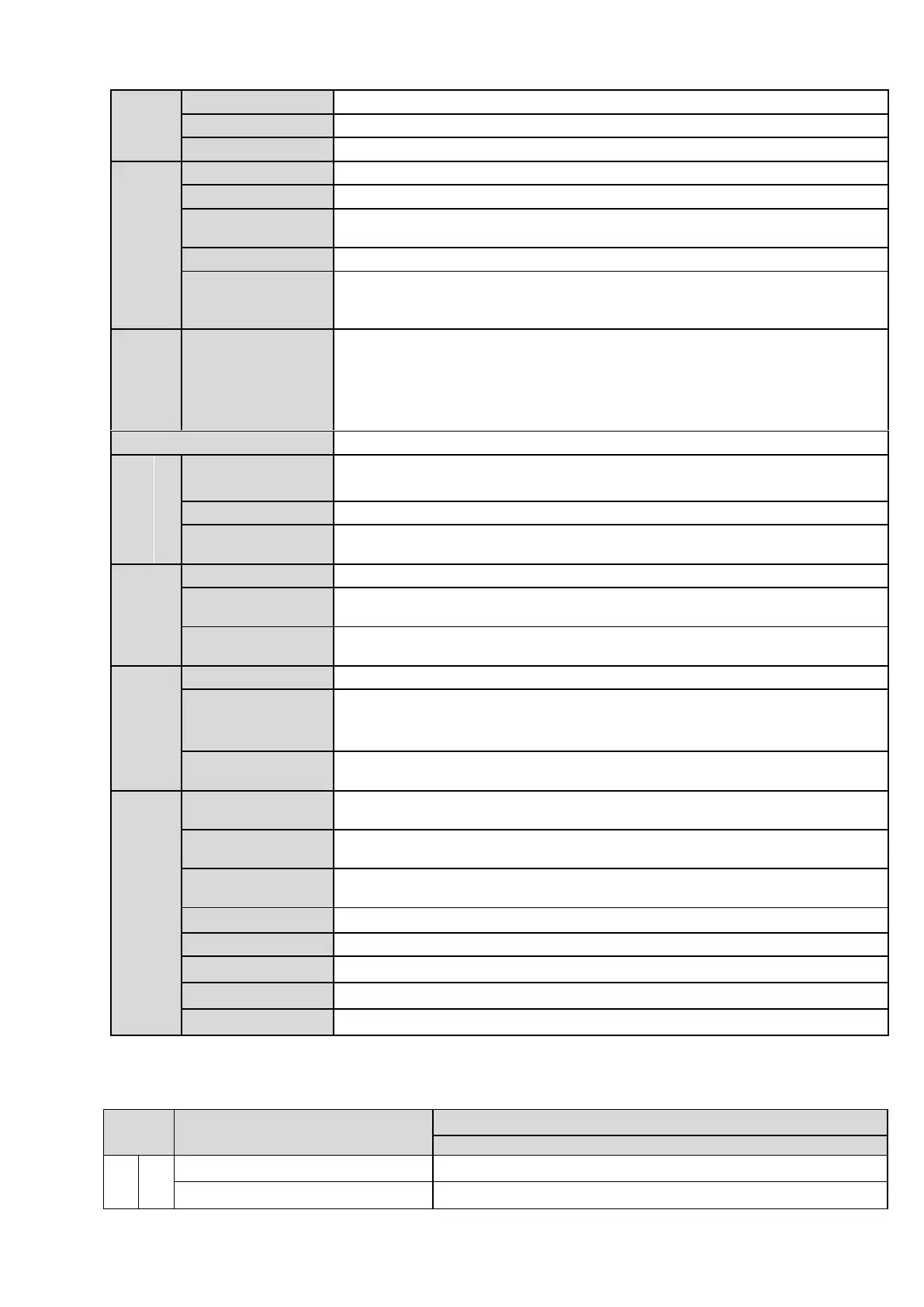
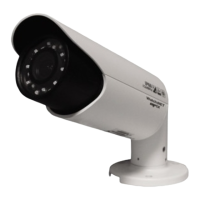
Manual zoom 3.3-12 mm@F1.4
Φ14 interface. Lens is the default accessories
Reuse the first audio input channel
Audio
Compression
Standard
396 (18*22) detection zones; sensitivity level ranges from 0 to 100; area
threshold ranges from 0 to 100.
Activation event: video storage, image snapshot, log, email function and
etc.
2-channel input,1-channel output
Manual>External alarm >Video detect>Schedule
Support Micro SD card storage
Support display local storage status
1-channel wire Ethernet port, 10/100 Base-T Ethernet
Standard HTTP, TCP/IP, ARP, IGMP, ICMP, RTSP, RTP,UDP, RTCP,
SMTP, FTP, DHCP, DNS, DDNS, PPPOE, UPNP, NTP, Bonjour, SNMP.
Monitor, system setup, file download, log information, maintenance ,
upgrade and etc.
1-channel analog video output,BNC port.
Support AC24V/DC12V power. (Can not support these two modes at the
same time.)
8W MAX (10W MAX when ICR switch)
Bracket is included in the accessories bag.
1.3.2 Factory Default Setup
Please refer to the following sheet for factory default setup information.


 To Next Page