Page | 5
Owner’s Manual
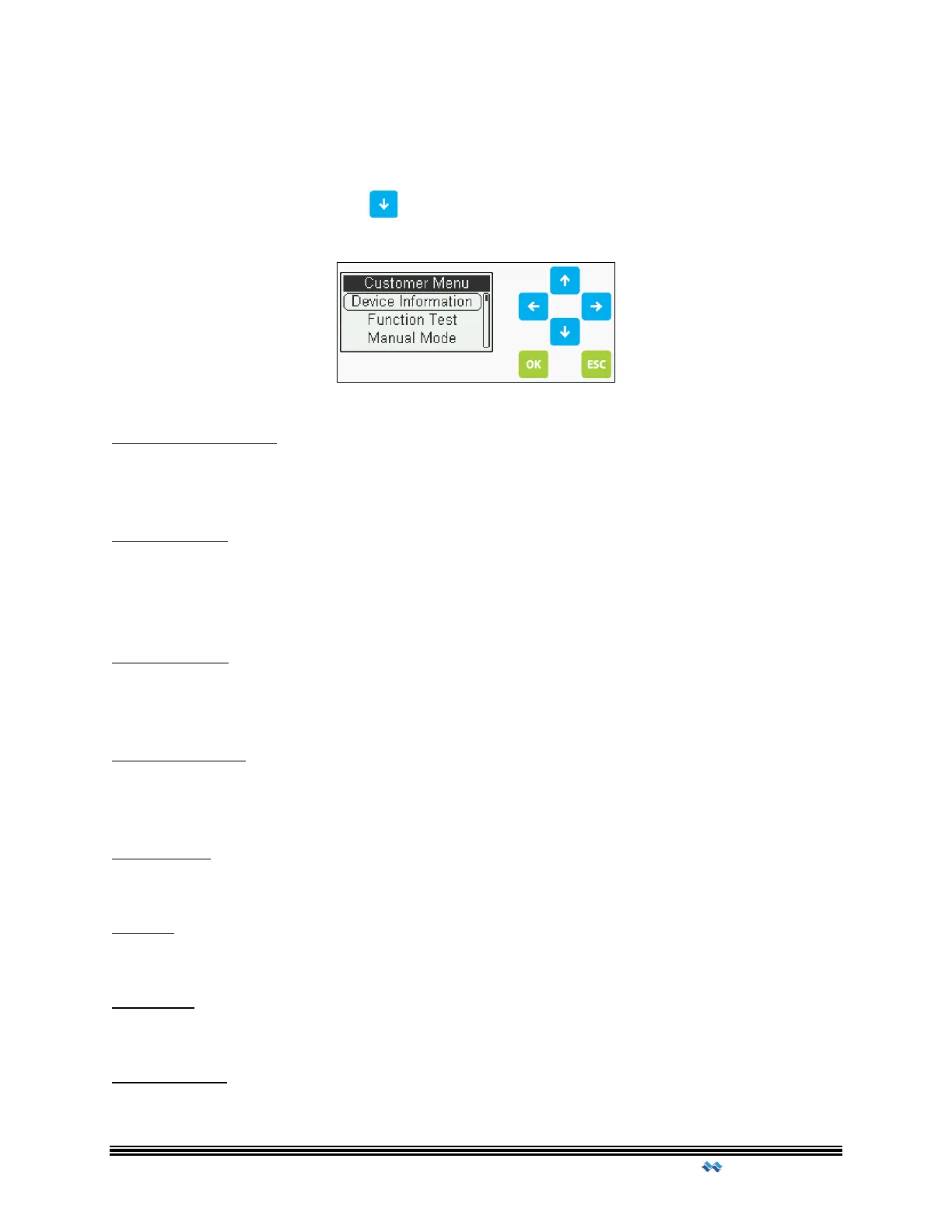
Customer Menu
The Customer Menu gives access to the basic functions of the control panel. This section is
accessed by pressing the Down arrow on the main screen.
Device Information
General information regarding the device. Includes Firmware version, Serial Number,
Variant information and production date.
Function Test
Function Test allows a user to perform a quick run through all the outputs to verify proper
operation and amperage readings. The cycle will run through all enabled outputs by
sequence, test the alarm and check the backup battery status.
Manual Mode
Allows operator(s) to temporarily run a specified output for a period of time. The time of
this run is predetermined at time of construction.
Operation Time
Breakdown of the Operation Time for all outputs. Operation time is broken down by
calendar weeks.
Date / Time
Allows user to change date and time settings.
Display
Allows user to modify Contrast, Brightness and Illumination settings.
Language
Choose language of operation.
Restart Panel
Performs a software restart of the panel.



 To Next Page