Page | 7
Owner’s Manual
How to use Manual Mode
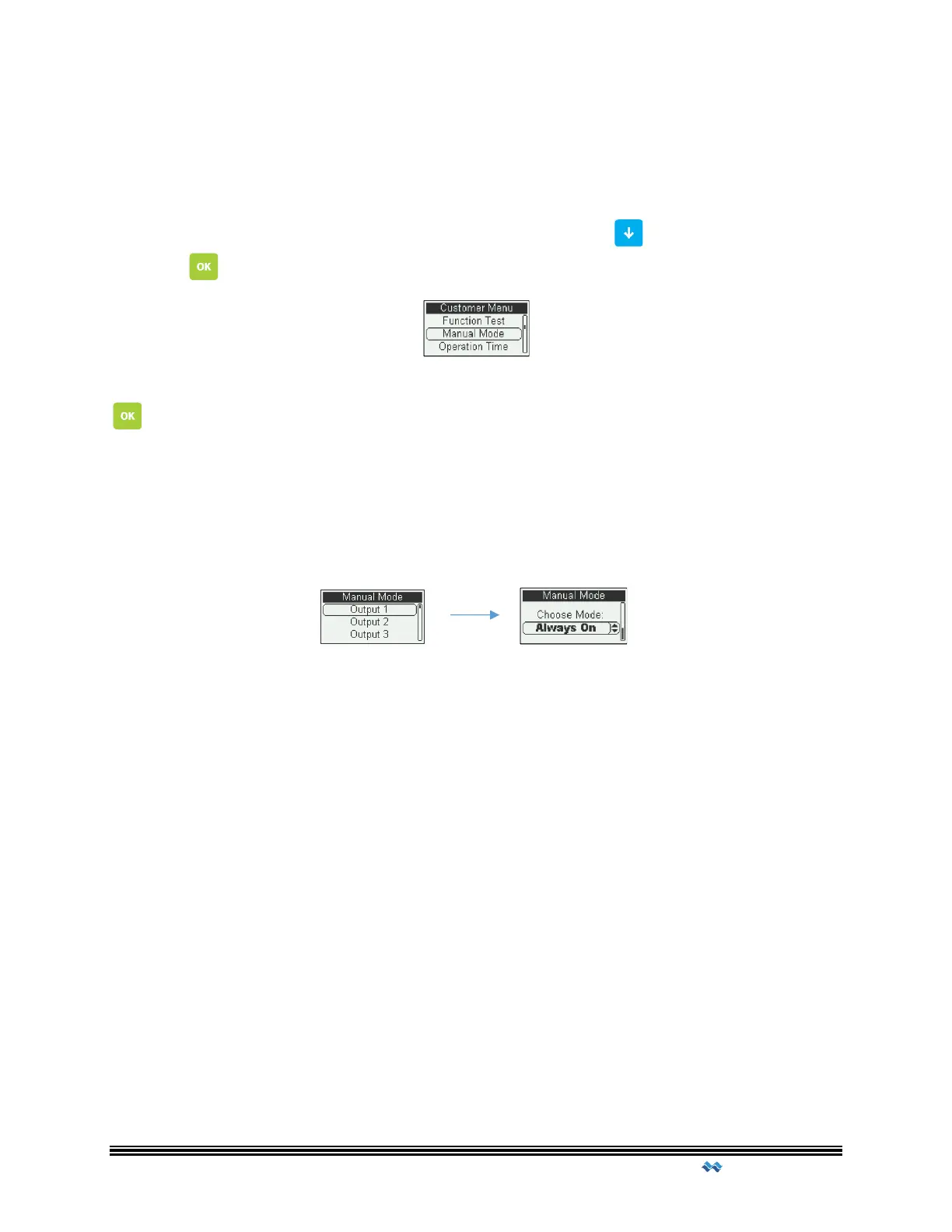
Manual Mode allows operator(s) to temporarily run a specified output for a period of time.
The time of this run is predetermined at time of construction.
Once the user has accessed the Customer Menu, scroll Down to Manual Mode and
Press OK
In the Manual Mode menu scroll down to the Output you would like to control, Press OK
to select.
Choose between Automatic, Always ON and Always OFF modes by scroll UP or Down.
Automatic uses the predetermine settings of the Output. Always ON, Always OFF
enables/disables the Output for a period of time, set by the manual run time setting. Once
the Mode has been chosen, Press OK to enable. Press ESC to exit the Manual Mode Menu.



 To Next Page