EasyManua.ls Logo

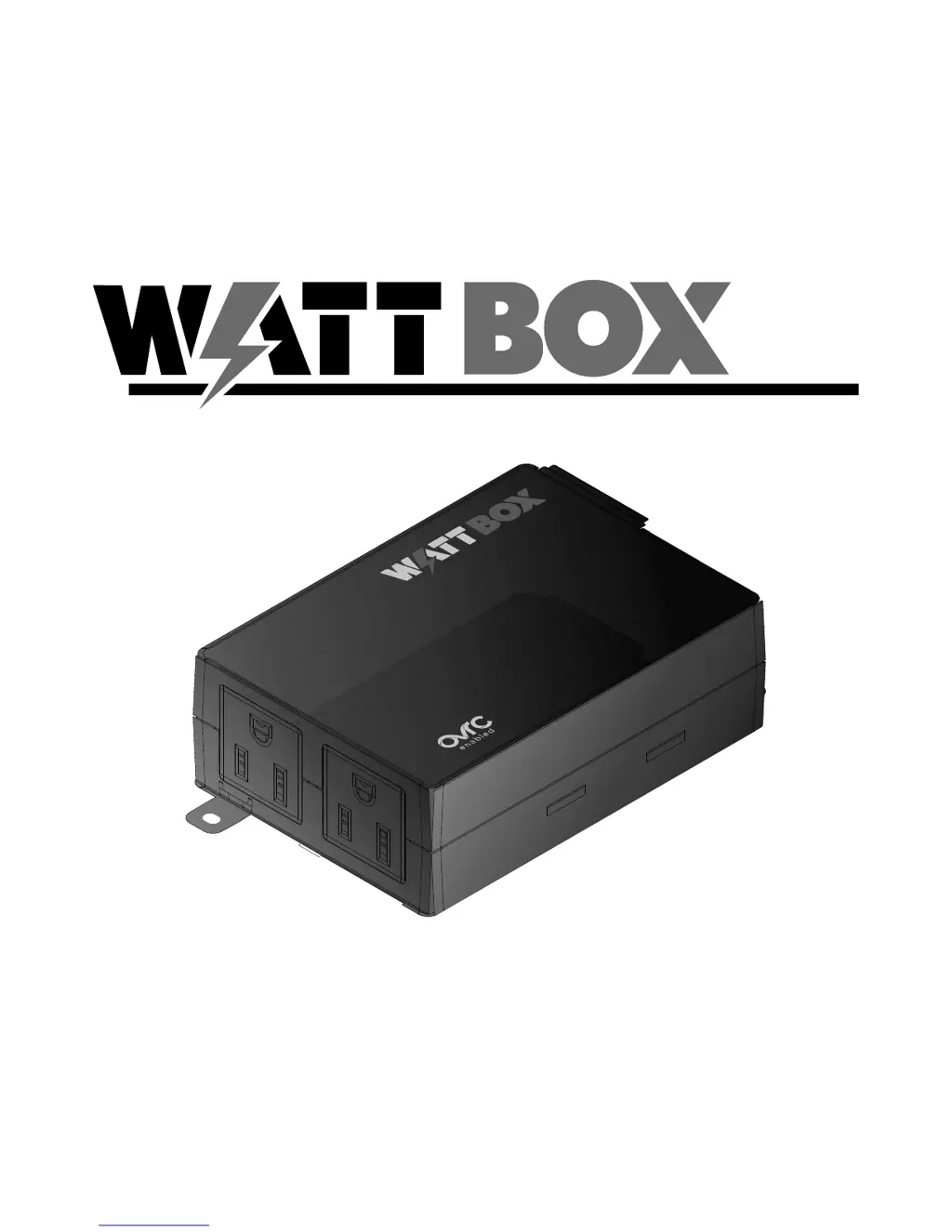
WattBox WB-150-IP-1B-2 - User Manual

WattBox WB-150-IP-1B-2
12 pages
Print Icon
To Next Page IconTo Next Page
Loading...
WB-150-IP-1B-2
QUICK START GUIDE
POWER
WB-150-IP-1B-2
CONTROLLED 1

Questions and Answers

  • K
    Kenneth BarronAug 3, 2025
    Why is my WattBox Controller not receiving power?
    • R
      Ryan DavisAug 3, 2025
      Your WattBox Controller might not be receiving power for several reasons. First, ensure the power button is pressed and glows amber. If it doesn't, check that the AC power plug is securely plugged into a properly grounded 120V wall outlet, and verify the outlet is active by testing nearby wall switches and circuit breakers. An overload due to too many connected devices can also be the cause. Inspect the fuse on the AC Inlet; if it's blown, reduce the connected load and replace the fuse.
  • M
    Misty EdwardsAug 13, 2025
    What to do if the attached component is not receiving power from WattBox WB-150-IP-1B-2?
    • K
      Kristopher GarnerAug 13, 2025
      If a component isn't receiving power from the WattBox Controller, it might be plugged into an outlet that is off. To resolve this, log in to the WattBox interface and turn the outlet on. Also, if a device doesn’t automatically power up when the WattBox is turned on, make sure the device’s power switch is turned on.
  • E
    earroyoAug 22, 2025
    How to stop speakers humming noise connected to WattBox Controller?
    • M
      Michelle MartinezAug 22, 2025
      If your speakers are emitting a humming or buzzing noise when connected to the WattBox Controller, it could be due to the WattBox sharing AC power with equipment that isn't properly grounded. To fix this, connect the WattBox to a dedicated outlet. You can also try unplugging components one at a time to see if the noise stops.

Summary

CONNECTIONS AND SETUP

Finishing Setup with OvrC

Steps to complete setup using the OvrC platform, including internet connection and device registration.

IMPORTANT SAFETY INSTRUCTIONS

Notice

General usage and installation guidelines for indoor use and proper environment.

Caution: Potential Injury

Warning against using extension cords, multi-outlet strips, or UPS devices with the product.

Warning: Power Sources, Grounding, Polarization

Instructions on proper grounding, outlet compatibility, and plug usage for safety.

Warning: Liquid: Avoiding Electrical Shocks

Caution against operating the unit if exposed to or near liquids.

WARRANTY

2-Year Limited Warranty

Details of the product's 2-year limited warranty, including coverage and exclusions.

WARRANTY LIMITATION

Exclusions from warranty for products not purchased through authorized channels.

LOGGING IN TO THE WEB INTERFACE

WattBox WB-150-IP-1B-2 Specifications

General IconGeneral
ModelWB-150-IP-1B-2
CategoryController
Input Voltage120V AC
Power Input15A
Power Output15A
Network ConnectivityEthernet
IP ControlYes
Surge ProtectionYes
Humidity5% to 95% non-condensing
Control MethodMobile App
Control InterfaceMobile App
Dimensions1.75 inches
Operating Temperature0°C to 40°C