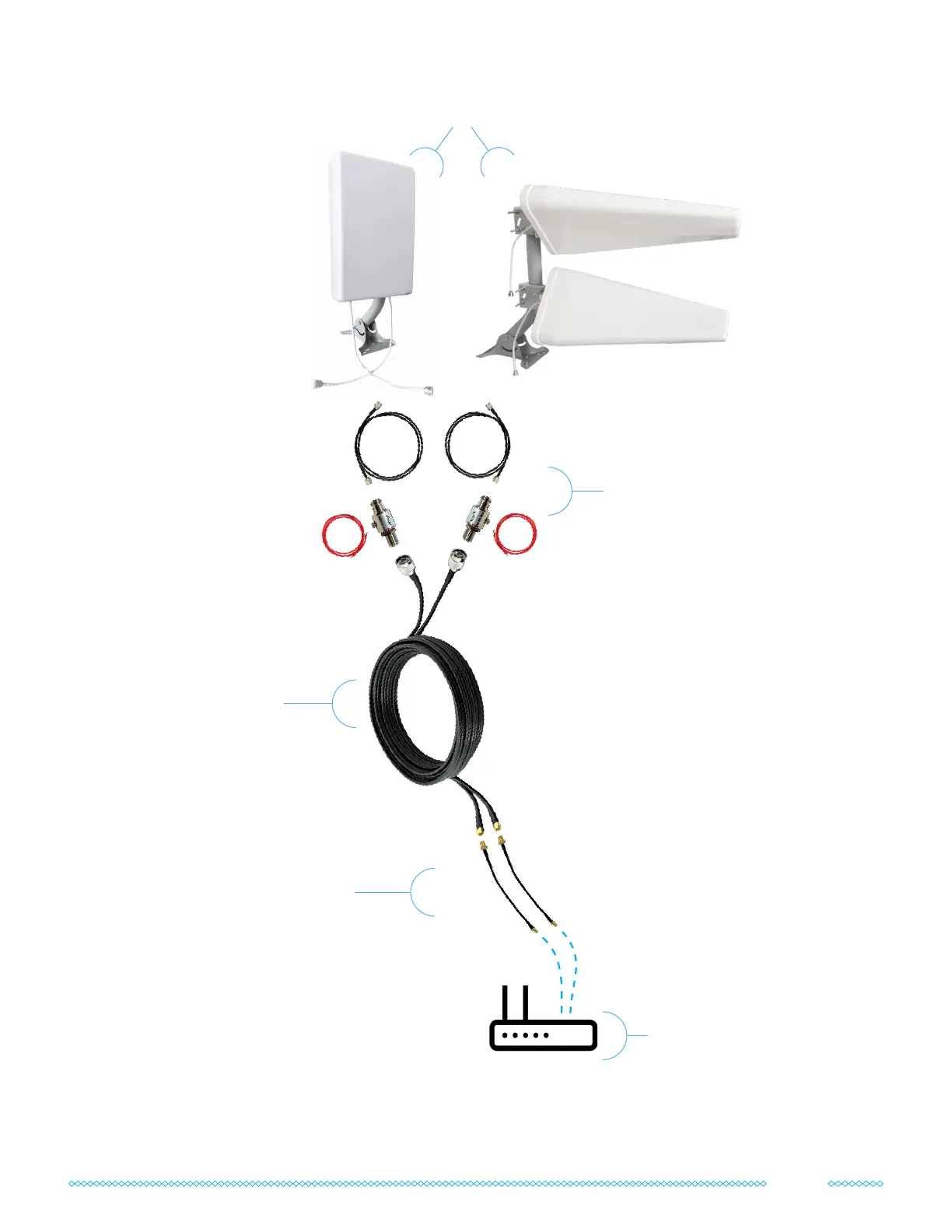
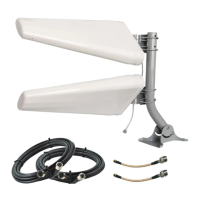
2x2 MIMO Panel Antenna or cross-polarized Log Periodic Antennas
Depending on which kit you purchased. Shown with the included J-Mount
.
Your LTE/5G router
Connect the cables or pigtails to
the cellular antenna ports.
If you are unsure which ports to
connect to, refer to page 8 for
further guidance.
2x TS9 or U.FL Pigtail
Adapters
Only included in our complete
2x2 MIMO kit.
If your router uses TS9 or U.FL
connectors for it’s cellular antenna
ports, install the relevant pigtail
here.
If your router uses SMA connectors
instead, connect the Twin-RS240
cable directly to the router.
Twin-RS240 N-Male to
SMA-Male Cable
Only included in our complete
2x2 MIMO kit. Length varies by kit.
2x (Optional) Lightning Surge
Protector Kits
Only included in our complete 2x2 MIMO
with Lightning Surge Protectors Kit.
Install outdoors, just before Twin-RS240
cable enters the building.
Connect each Lightning Surge Protector
to the building’s ground with 10 AWG or
thicker grounding cable.
Additional instructions on grounding are
found in the next section of the manual.
11


 To Next Page