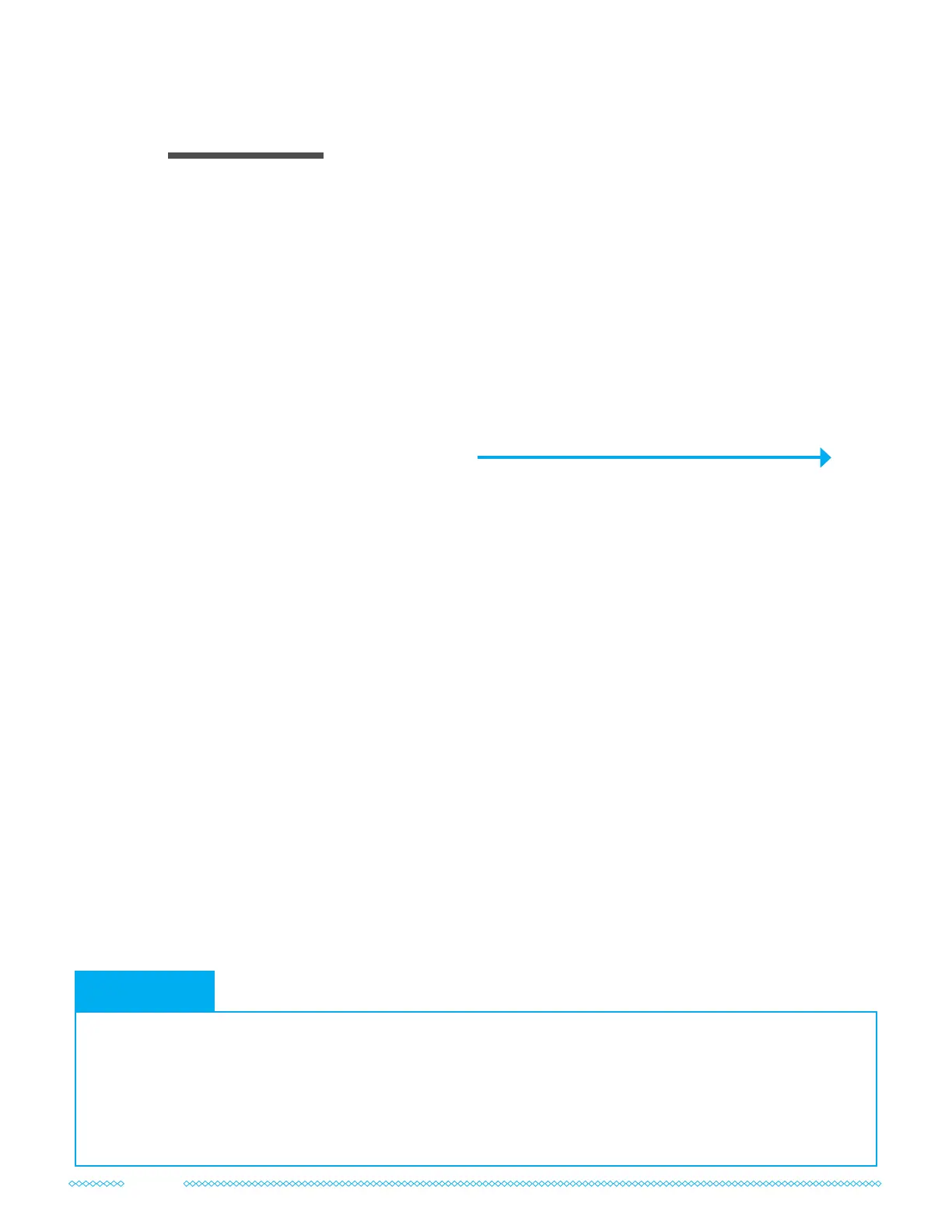
Once you’ve identied the best location for your antenna(s), it’s time to set up a provisional
install. You’ll keep your antenna(s) outside at the location you’ve selected, but run the cables
and test your cellular router/gateway indoors.
Don’t drill any holes in your walls yet! Start with a temporary install and test performance rst.
If you purchased the complete kit with your 2x2 MIMO antenna(s), follow the steps below
to assemble and install your 2x2 MIMO External Antenna kit. If you just purchased just the
antenna, your assembly may look a little different.
Getting the Complete Kit Set Up
Refer to the diagram to the right as needed.
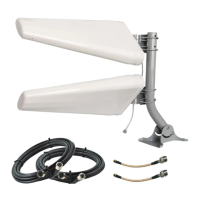
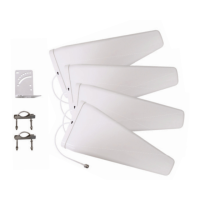
1 Secure your 2x2 MIMO Panel Antenna or Log Periodic Antennas to your mount if you
haven’t already. If your kit includes two Log Periodic Antennas, be sure to cross-polarize
them during this step, see section 2 for more information.
2 Mount your antenna(s) outdoors in the location and direction where you found the
fastest data rates using the method described in section 3.
3 Connect your Twin-RS240 coax cables to your MIMO Panel or Log Periodic Antennas.
OR, If you purchased lightning surge protectors, connect your MIMO Antenna(s) to the
included 5 ft jumper cables, Lightning Surge Protectors, and Twin-RS240 coax cable.
Instructions on grounding are in the next section of the manual.
4 Connect the SMA ends of your Twin-RS240 cable to the antenna ports on your router
and hand-tighten the connections.
OR, If your cellular router has TS9 or U.FL ports, install the included pigtail adapters
between the Twin-RS240 cable and your router, and then hand-tighten the connections.
05
Assembling Your System
• Before attempting to route the cables through your building, lay the Twin-RS240 cable out at to
straighten it. This will make it easier to work with.
• A nger-tight connection is sufcient to secure the connectors. Tools are not required to tighten them
and may cause damage.
• Unsure how your pigtail adapters should connect to on your router? Refer to the information on page 8
to help you identify which ports to connect to.
Install Tips
10


 To Next Page