Configuration Menu
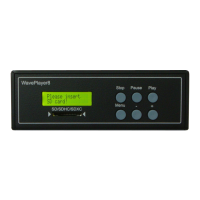
By pressing the „Menu“ button you will reach the configurations menu. The „+“ or „−“ button will
change the available parameter. If you want to change a parameter press „Play“. Now you are in the
edit mode. The cursor is blinking. Change the parameter with the „+“ or „−“ button. You can save
the setting by pressing the „Play“ button. Press „Stop“ to discard the changes.
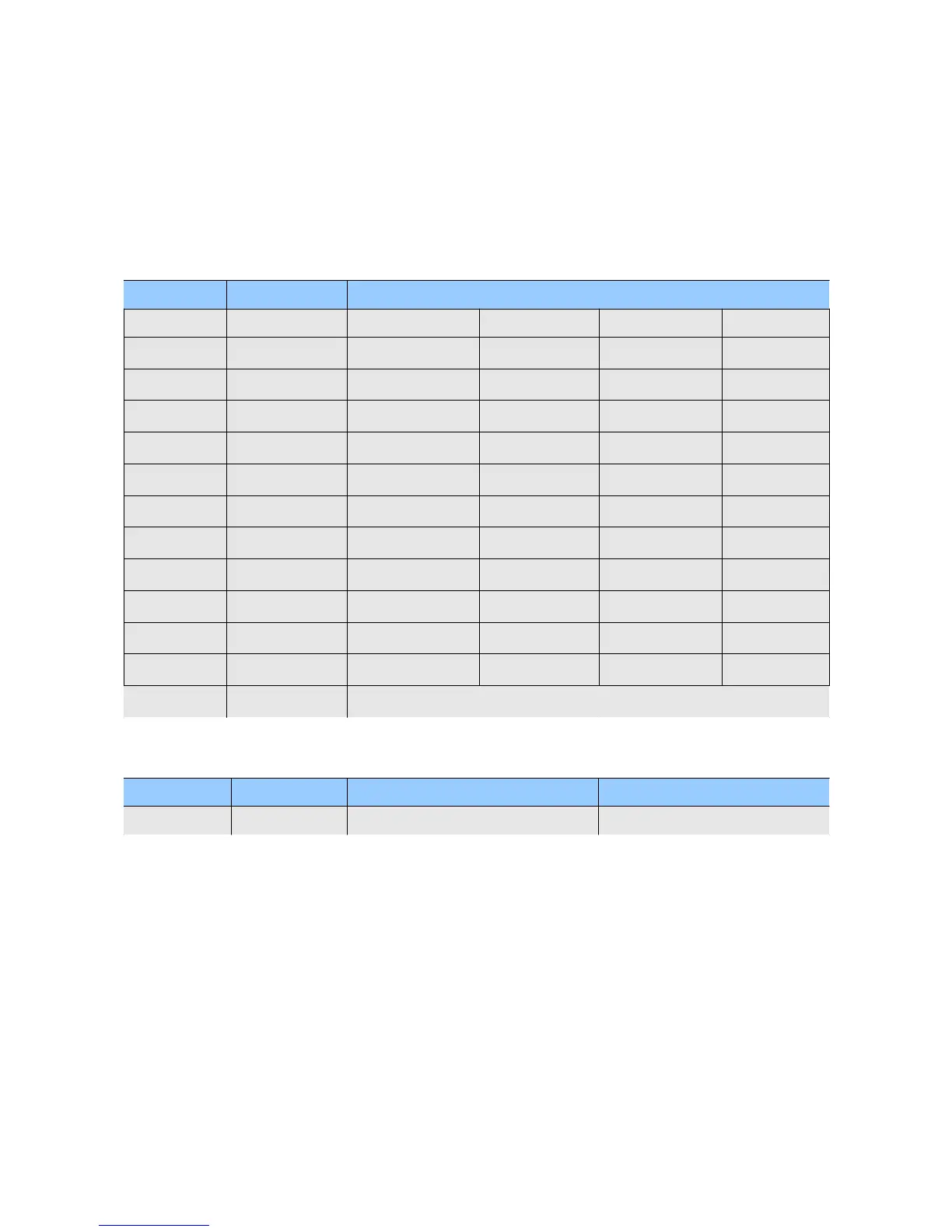
Start Mode Play Mode Backlight Mode Baudrate Serial Data Port Mode Device ID
manual single play off 1200 standard 0...254
auto continuous play auto off 1min 2400 bus master
timecode random play auto off 5min 4800
song loop auto off 15min 9600
album loop on 14400
19200
28800
38400
56000
57600
115200
128000
256000
LCD contrast
1-10
Start Mode
•
Manual → Songs will be played by hand
•
Auto → If this parameter is set to on, the Waveplayer will automatically start to play after
power is on. There is a requirement to make this function work correctly. We need a
playable song at position 1. What is position 1? After the Waveplayer is switched on it will
sort through all files of the root directory alphabetically and will display the first. This is the
file in position 1. If this file not playable auto play will do nothing!
•
Timecode → If a valid timecode is received the player will start playing automatically.
If the timecode is missing for more than 5s the player will stop.


 To Next Page