3. Connect to your player on a DHCP network
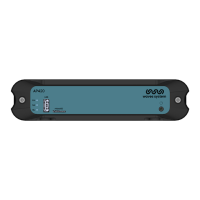
This procedure explains how to connect to your player for the first time.AP420
1 Get the serial number on the sticker located at the bottom of the player. It is labelled as per example:
AP4xx-123456.
2 Connect the player to the network.
3 Connect your computer to the same network.
4 Power on the player.
5 When the player is completely started, open a web browser and enter the following URL in the
address bar as per the example: http://ap4xx-123456. Do not use the HTTPS prefix, use only the HTTP
prefix.
6 The first connexion page appears.
7 Follow "first login" section.
Résultat
Your player is now ready to be used.AP420


 To Next Page