10. Reset factory for player configuration and data
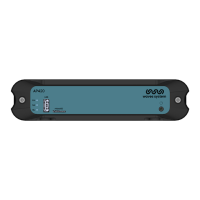
This procedure explains how to reset configuration and data of the player .AP420
1 Power off the player.
2 Press and hold the power button while powering on the player.
3 Keep power button hold for more than 10 seconds until the 3 led are fixed green, orange and red.
4 Release the power button.
5 To select reset factory process of player configuration, push the power button three times to get only
the red led fixed.
6 Hold the power button for 3s, the power button blinks white.
7 The reset factory is being done.
8 A the end of the reset factory, the power button blinks green for success.
9 Press the power button to restart the player.
Résultat
Your player is now updated.AP420


 To Previous Page