Welcome
Thank you for choosing Waves. ln order to get the most out of your SoundGrid server,
please take the time to read through this manual. We also suggest that you become
familiar with Waves Support, www.waves.com/support. There you will find an extensive
answer base, the latest tech specs, detailed installation guides, new software updates,
and current information about licensing and registration. By signing up with Waves
Support, you'II receive personalized information about your registered products,
reminders when updates are available, and information about your authorization status.
Please register your SoundGrid server. To do so, you will need the hardware serial
number, which can be found on the
registration card
inside the package or on the
hardware itself.
Visit the Waves web site at www.waves.com. If you have a Waves account, log in and
select
Register New Product,
which is on the main page. Submit your serial number.
Once you've registered, you will receive personalized information, reminders when
updates are available, information on your authorization status, and a direct line to
Waves technical support.
If you don't have a Waves account, please create one at
https://www.waves.com/create-account.
Once that's done, you can register your SoundGrid server.
Package Contents
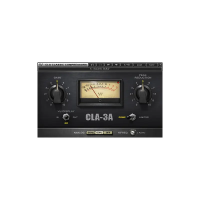
• SoundGrid server
•
Power Brick (US and EU standards)
•
Warranty card
• Registration card
•
This user guide



 To Next Page