CHAPTER 9 CLICK 110 85
Preparing the SmartSensor
In addition to wiring the SmartSensor to the Click 110, you must also make sure that the
SmartSensor is congured correctly. Because the Click 110 device receives serial datagrams
from the sensor, the sensor must be congured to report data properly for each application.
is includes conguring the sensor for the following:
Dual-loop speed trap or one-loop conguration
Predened pulse duration, or pulse duration emulating a given loop size
Z4 protocol
Physical loop spacing to emulate
Fail-safe Mode
e Click 110 receives datagrams from the connected SmartSensor. ese datagrams must
be mapped to device outputs (covered in the next section). If the Click 110 does not receive
a datagram containing a channel that is mapped to its outputs for ten seconds, the device
will enter fail-safe mode.
In fail-safe mode, all enabled outputs will assert a detection and fault condition. e master
fault output will also assert. How the device gets out of fail-safe mode is determined by the
fault latch conguration option, which will be covered at the end of the DIP Switches sec-
tion of this chapter.
Configuration
e Click 110 can be congured in three ways: DIP switches, the front panel menu, and
Click Supervisor.
ese three dierent conguration methods can congure dierent sets of options; some of
these parameters can be set using multiple conguration methods, and some of them can
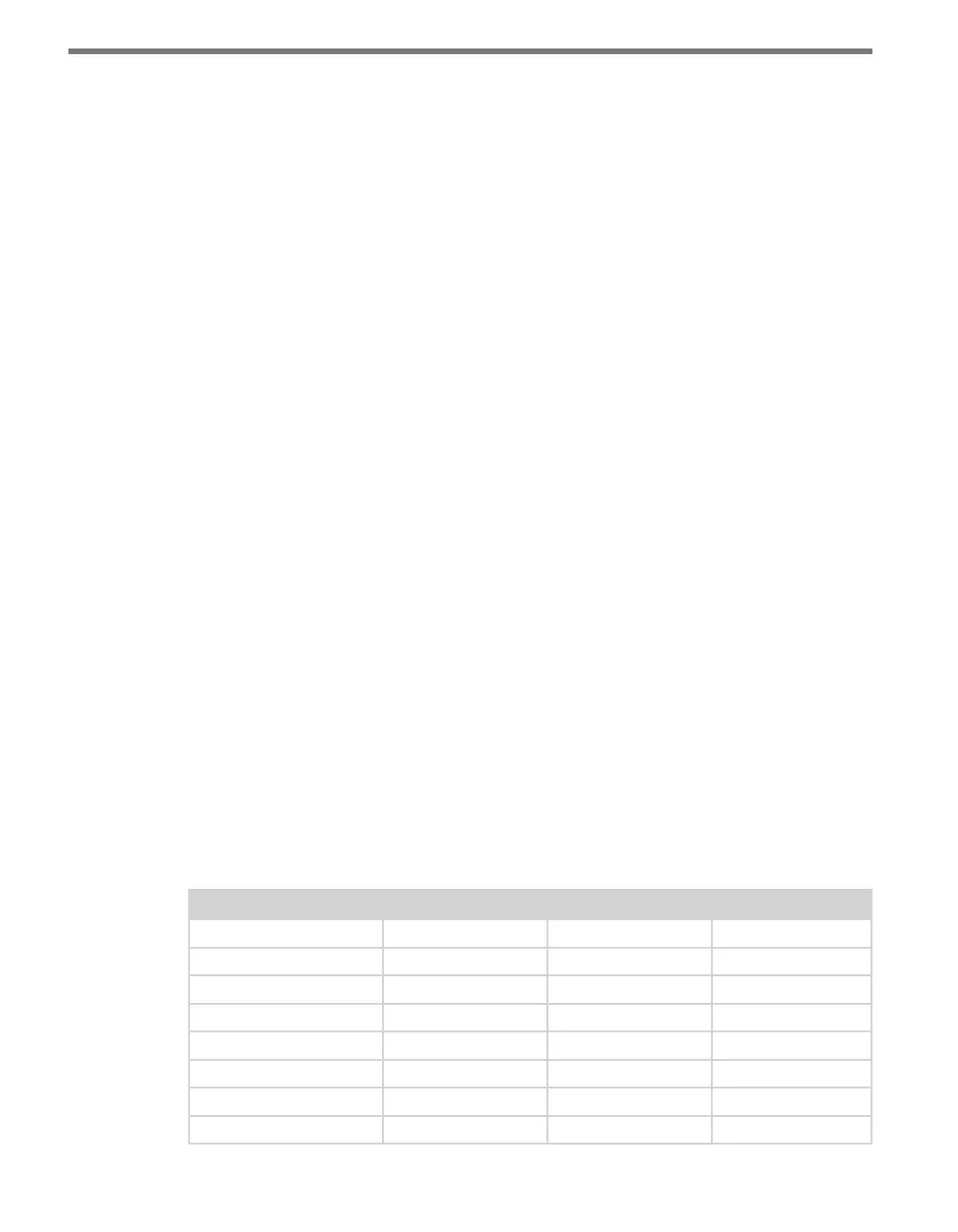
only be set using one particular method. Table 9.1 lists how each parameter may be accessed
and congured.
DIP Switch Front Panel Menu Click Supervisor
Baud Rate Yes Yes Yes
Channel Enable Yes Yes Yes
Channel Input Map Yes Yes Yes
Fault Latch Disable Yes Read-only Read-only
Outstation Mode Yes Read-only Read-only
Autobaud No Yes No
Reset to Default No Yes Yes
Description No No Yes



 To Next Page