16
•
Expanse XP20 User Guide
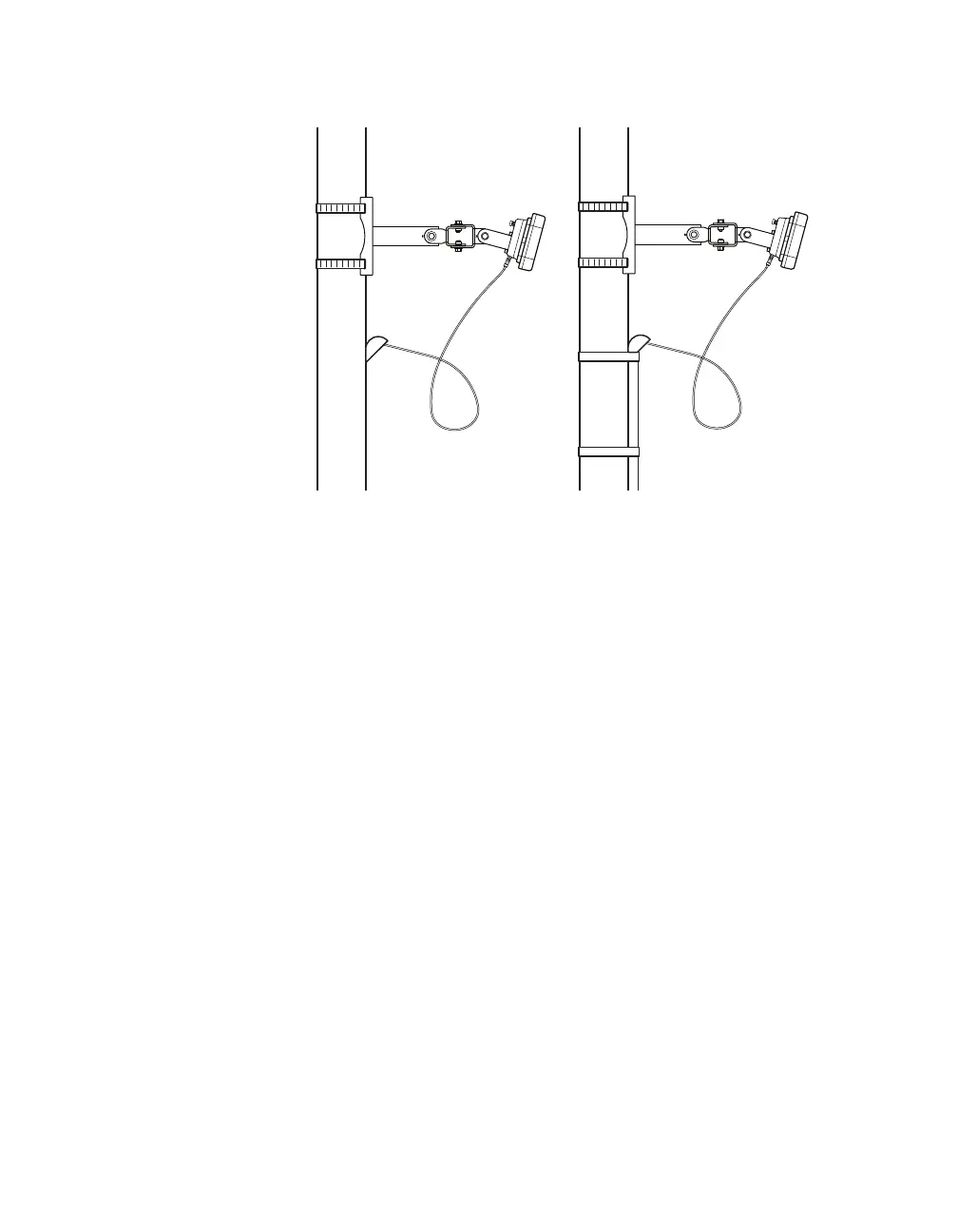
Connecting the cable
Figure 16. Cable run through pole (left) and through conduit (right)
1 Insert the cable connector into the sensor connector; be aware
that the connector is keyed and will only fit in a certain way.
2 Tighten the nut on the cable connector.
3 If you haven't already, run the cable through the pole. Leave a
small amount of slack at the top; this reduces strain, allows you
to create a drip loop as shown above, and gives you something
to work with should you someday need to move the sensor to a
dierent spot on the pole.
4 If there’s excess cable, don’t cut it, as you may need it at a later
time; leave it in the pole.
Note. When you run
the cable through
the pole, don’t drill
through the sensor
mount, as the sensor
and sensor mount
may need to be
adjusted in the future.



 To Next Page