a
vin Temp Manifold Installation Manualower
E-MAIL
info@wavin.com
www.wavincom.
TELEPHONE
+31(38)429411
18
avin Temp Control Manualower
E-MAIL
info@wavin.com
www.wavincom.
TELEPHONE
+31(38)429411
5
5
.
.
7
7
E
E
n
n
e
e
r
r
g
g
y
y
s
s
a
a
v
v
i
i
n
n
g
g
m
m
o
o
d
d
e
e
/
/
e
e
c
c
o
o
n
n
o
o
m
m
y
y
m
m
o
o
d
d
e
e
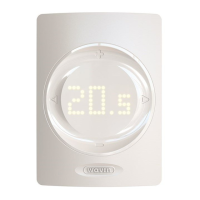
The WTC-3 base unit and DRT-200 room thermostat has
an Economy function. This function can reduce the room
temperature to a preset value.
A
A
n
n
a
a
l
l
o
o
g
g
u
u
e
e
t
t
h
h
e
e
r
r
m
m
o
o
s
s
t
t
a
a
t
t
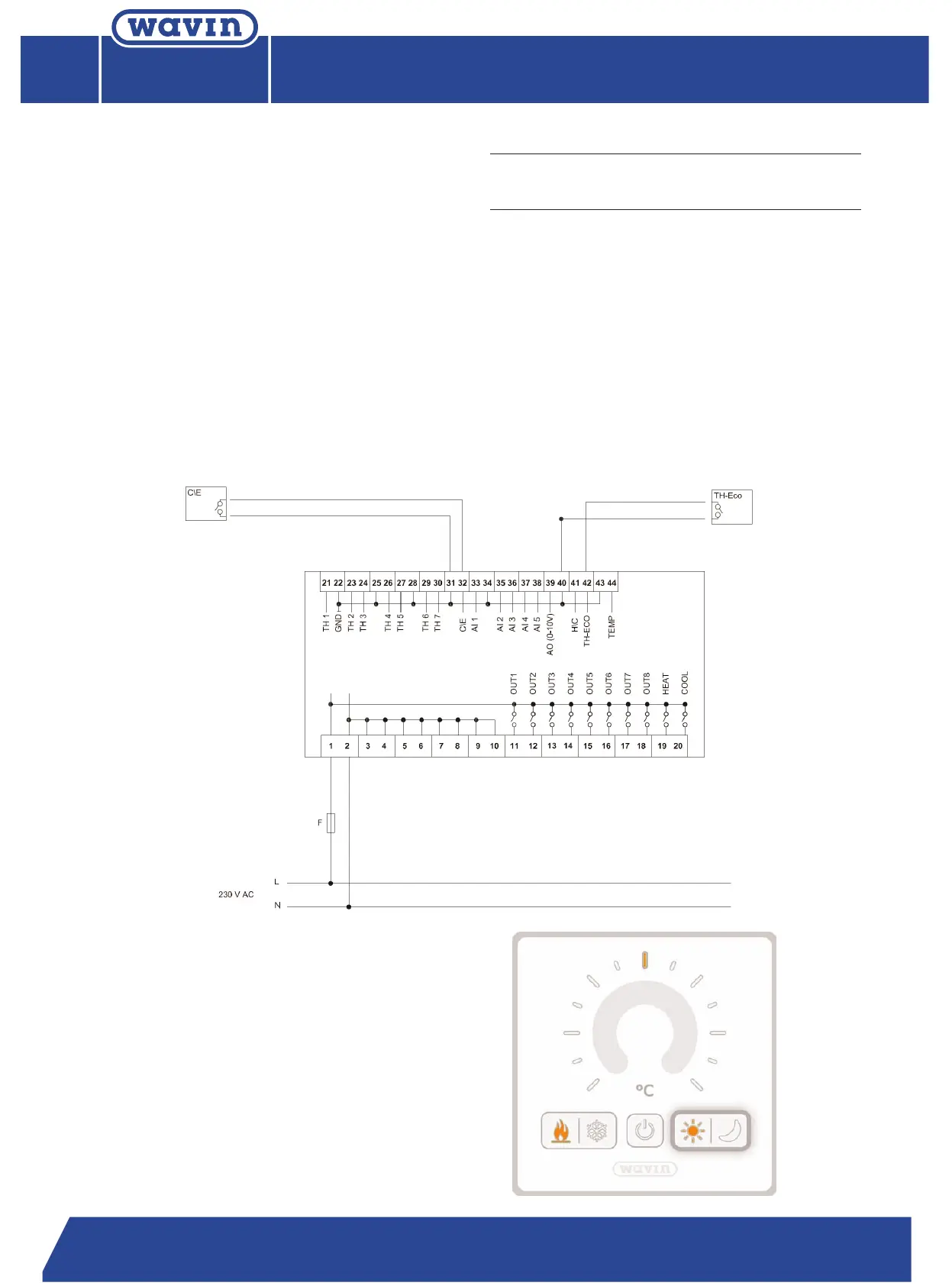
If the system is installed with analogue room thermostat
then a separate or one of the existing room thermostats
can be connected to the base unit. To activate the econo-
my function, a separate switch should be connected to
g
ive an open/close contact to the WTC-3 base unit. When
the Economy mode is active, the TH Eco thermostat will
override all other room thermostat connected to the base
u
nit. Only this one thermostat will regulate every circuit.
D
D
R
R
T
T
-
-
2
2
0
0
0
0
If the system is installed with DRT-200 room thermostat
then the r
equested mode can be selected at the master
thermostat by pressing the comfort or economy button.
The economy mode can be activated on every thermostat
or only the master, according to the presetting.
N
N
o
o
t
t
e
e
:
C
omfort status is an open contact.
In cooling mode Comfort/Economy switches and
temperature of TH-Eco will be ignored.


 To Next Page
 Loading...