6
Notes:
Ÿ If more than one source is connected, the optional DRC remote is required to change between sources.
Ÿ The SDSP PC software is only recommended for use with authentic licensed versions of Windows.
Ÿ All specifications are subject to change without notice.
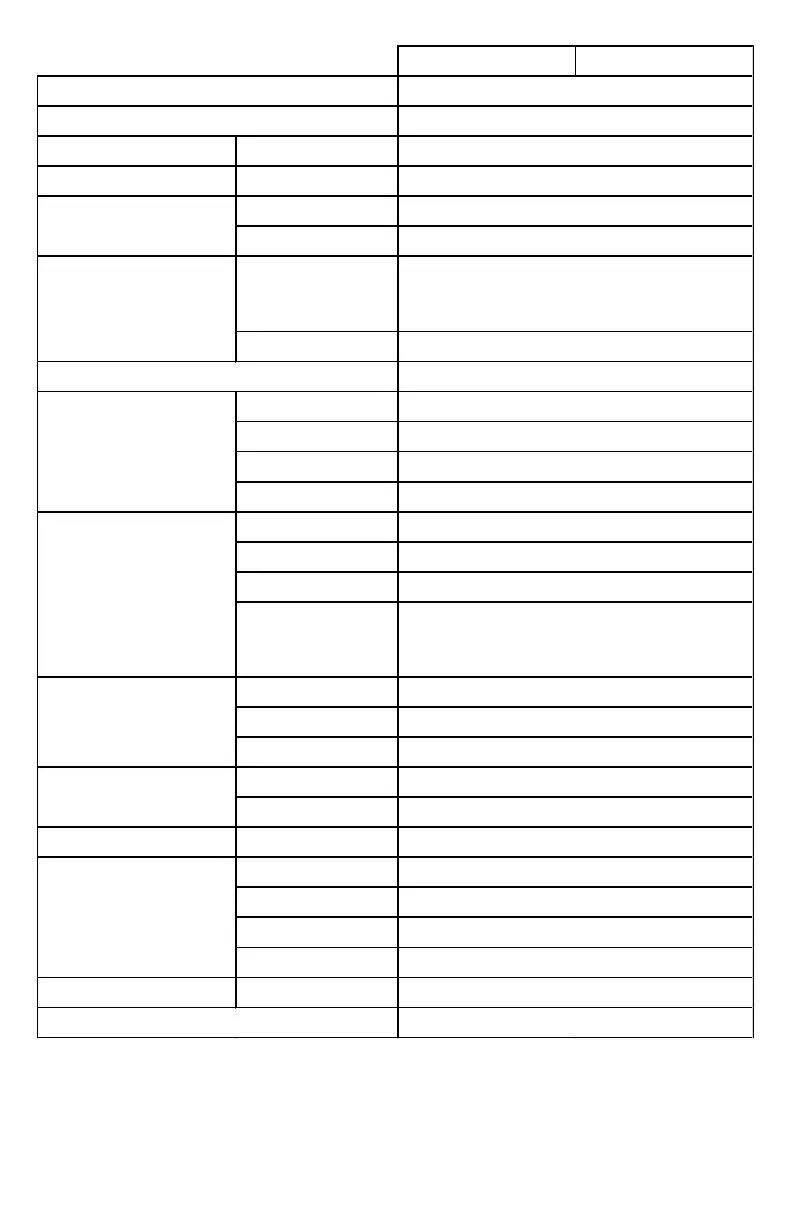
DSP Features & Specifications
SDSP6 SDSP8
DSP Resolution
Sampling Rate
Signal Converters
Input Source Select via PC or DRC
Main (High Level)
AUX, BT, Optical, Coax
Main (High Level)
AUX, BT, Optical, Coax
Output Channel Assignments
Front
Rear
Center
Subwoofer
Filter Model
Filter Type
Filter Range
Filter Slope
Main
Sub
Each Channel
Delay Range
Increments
Phase Polarity
Type
Freq (Fc) Range
Boost/Cut Range
Q Range
Preset Memory
Software Interface
Linkwitz = -12, -24, -36, -48dB/oct.
Bessel = -6, -12, -18, -24, -36,-48dB/oct
Butterworth = -6, -12, -18, -24, -36, -48dB/oct
Windows PC Required (Windows 8 &10)
Null, FL, FR, RL, RR, SUB L, SUB R
M1=FL+FR, M2=FL+RL, M3=FR+RR
M4=FL+RL+SUB L, M5=FR+RR+SUB R
Null, Left, Right, Left+Right
Front, Rear, Center, Subwoofer (CH7/8)
Output Channel Pre-set
Crossover Configurations
Full, Tweeter, Mid-Hi, Midrange, Midbass, Woofer
Subwoofer (stereo), Full, Sub Mono
Linkwitz, Bessel, Butterworth
2ch, 4ch, 6ch, Mix (Mono, 2-way or 3-way sum)
Main (High Level), AUX, BT, Optical, Coax


 To Next Page
 Loading...