Need help?
Do you have a question about the Waylens Secure360 and is the answer not in the manual?
Lists the components provided with the Secure360 device.
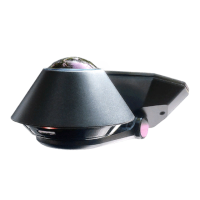
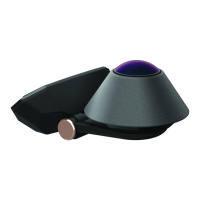
Provides a detailed look at the Secure360's components and features.
Explains how to use the Waylens Secure360 mobile application for device control.
Details the steps for connecting the device's power supply within the vehicle.
Explains how to connect the power cord to the Secure360 Dock.
Guides on mounting the device's plate onto the vehicle's windshield.
Instructions for securing the Secure360 camera and dock to the mounted plate.
Provides steps to adjust the Secure360 camera's viewing angle.
Details the process of inserting and formatting the microSD card for the device.
Step-by-step guide on how to safely remove the Secure360 camera.
Instructions on connecting to the Secure360 camera using its WiFi SSID and password.
Details FCC cautions, rules, and radiation exposure statements.
Outlines the legal terms, licenses, and liabilities for product use.
 General
| Brand | Waylens |
|---|---|
| Model | Secure360 |
| Category | Security Camera |
| Language | English |


 To Next Page