Support Guide: WCCTV Body Worn (Connect)
16. Advanced: Time and Date Status
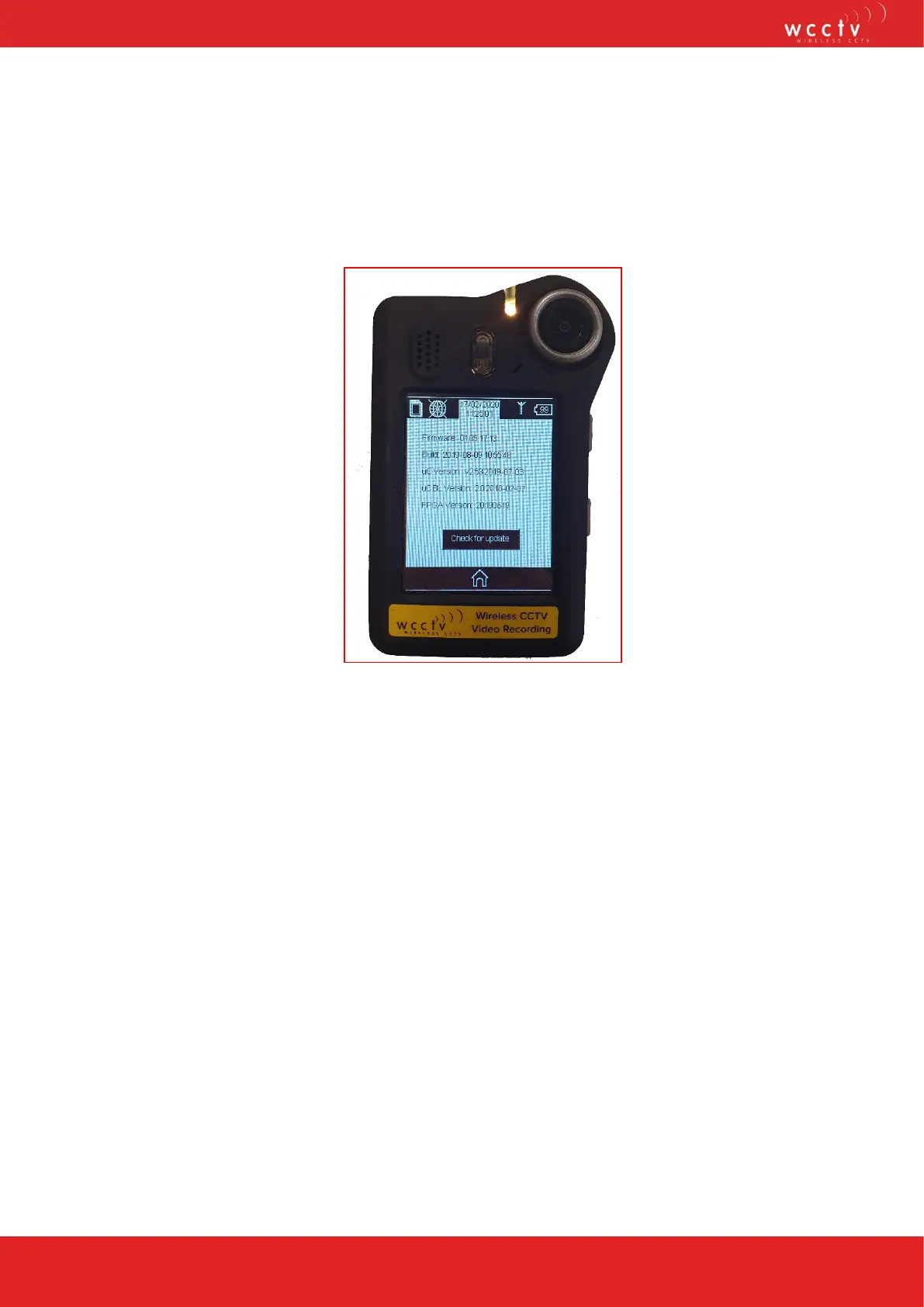
Pressing the Time and Date on the main screen of the WCCTV Body Worn Camera will
bring up for the following information:
current firmware on the unit, build time and date, uC version, uCBL version and FPGA
version.
You also have the option to manually check for an update.
If the time and date of the unit is incorrect, simply get a GPS signal and this will update
automatically or place on the WCCTV Smart Hub and allow the unit to pull the correct
time via NTP.
Please note: The WCCTV Smart Hub must be connected to the internet for video
upload to the cloud and NTP time checking


 To Next Page