Support Guide: WCCTV Body Worn (Connect)
18. Advanced: Battery Status
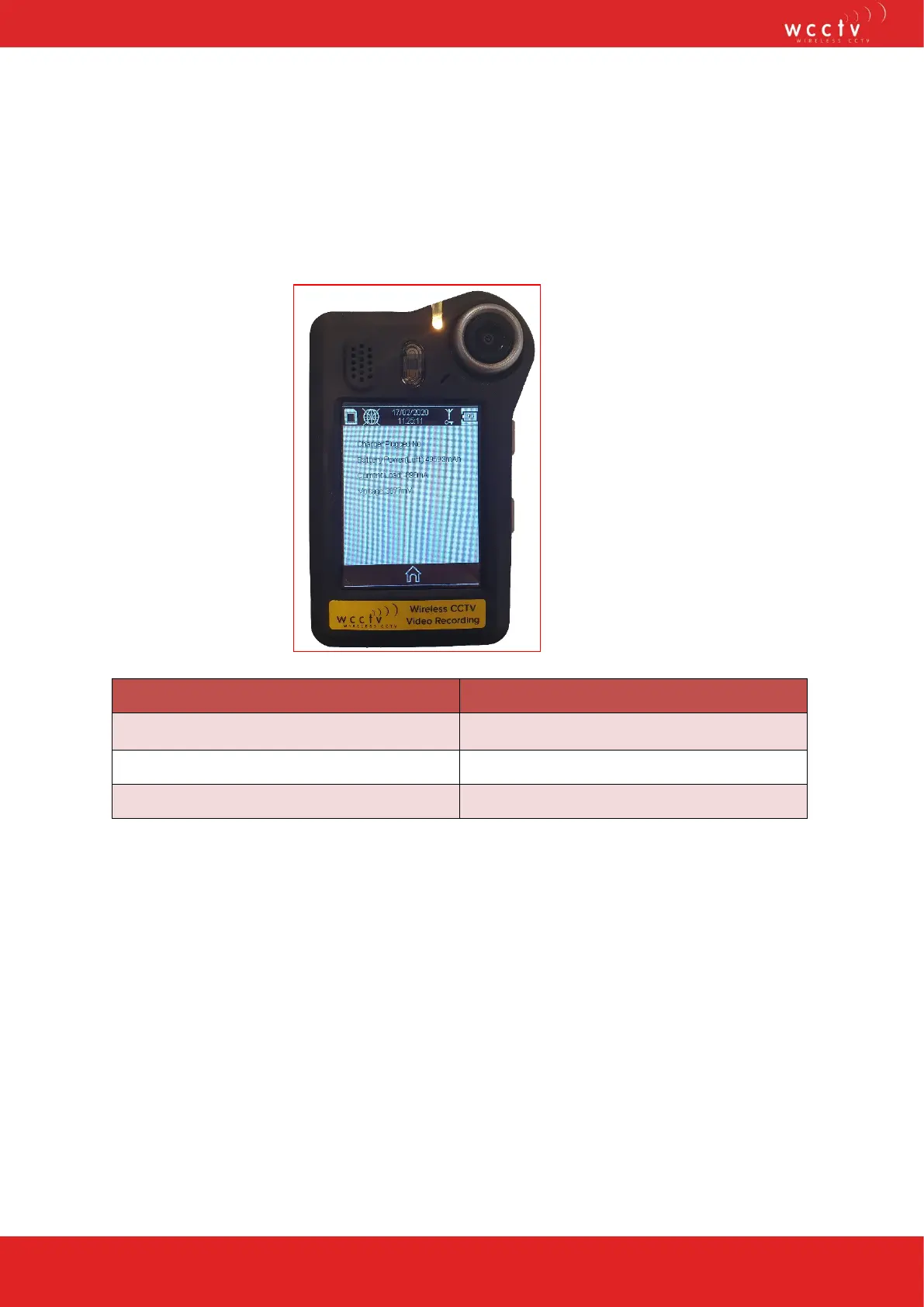
Pressing the Battery icon on the main screen of the WCCTV Body Worn Camera will
bring up for the following information: charger plugged, battery power (left), current load
and voltage.
Indication Colour
Yellow Battery Battery is nearly dead @ 7%
Red Battery Battery is going to die @ 5%
Lightning Bolt Battery is charging
The WCCTV Body Worn Camera will give an audio notification when it reaches 7% and
will stop recording (if it was currently recording) at 5%.


 To Next Page