Support Guide: WCCTV Body Worn (Connect)
4. Charging the WCCTV Body Worn Camera
The WCCTV Body Worn Camera can be charged via two options.
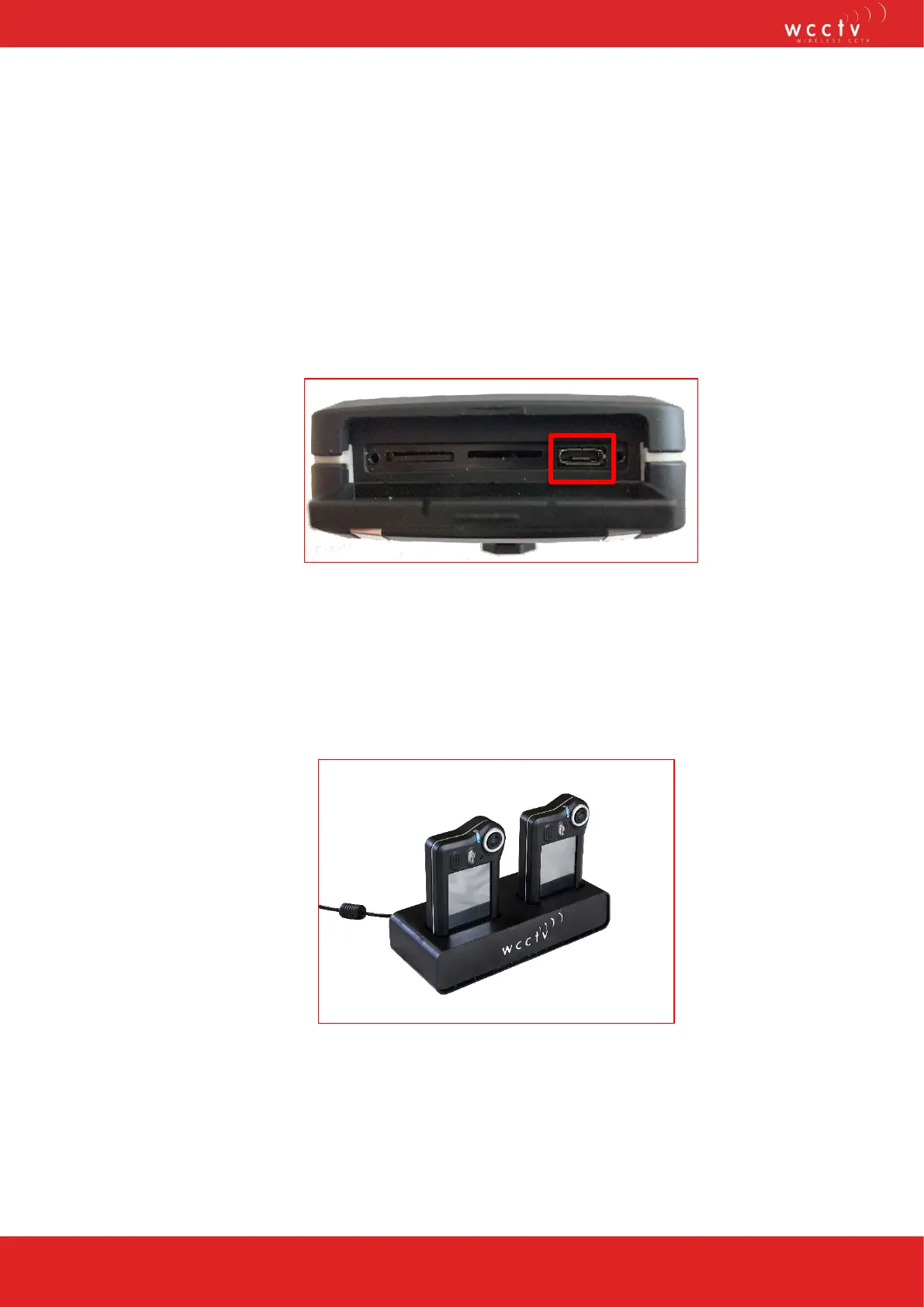
1. Charging via the micro USB provided: the charging port is located the bottom of
the unit, open the cover and insert the micro USB cable into the slot shown below.
Please note: Ensure you are inserting the micro USB cable in correctly to
avoid any damage to the cable or the camera
This charge can take approximately five hours.
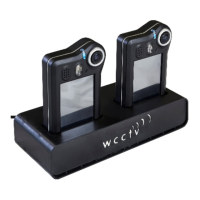
2. Charging via the WCCTV Smart Hub: Plug the WCCTV Smart Hub power
adapter into the electrical supply and then insert the 2.1mm plug into the WCCTV
Smart Hub. Place the WCCTV Body Worn Camera onto the WCCTV Smart Hub in
one of the charging pockets provided.
This charge can take approximately four hours.


 To Next Page