33
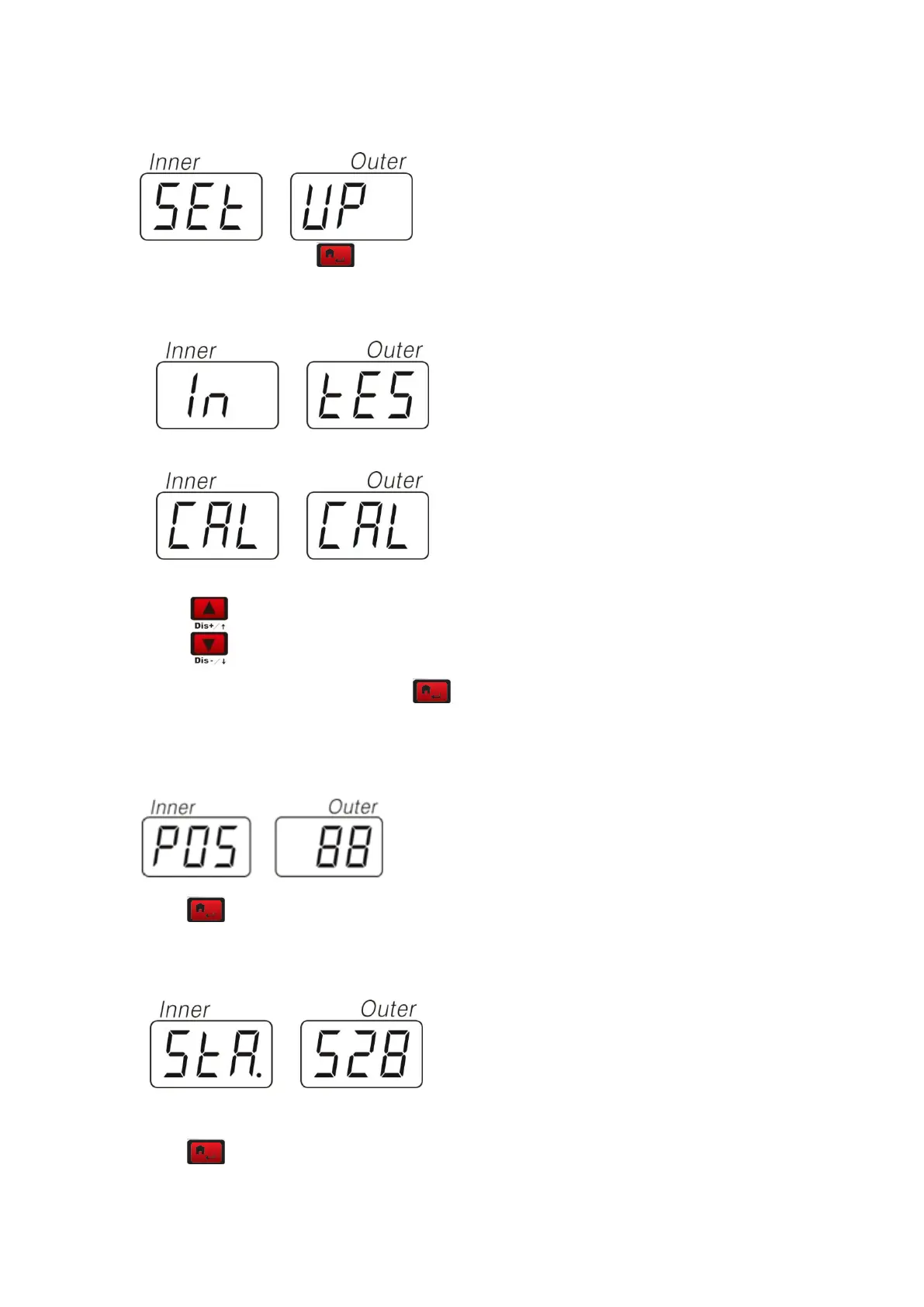
1 ―SET‖— ―UP‖ Press to enter the special function setup program
2 option:―IN‖– ―TES‖和 ―CAL‖ –―CAL‖
Select to display in cycle.
In the condition of ―IN‖—―TES‖,press to enter the condition of test.
In the condition of POS, rotate the tire clockwise, the value in the right window will increase.
Counterclockwise, decrease.
Press key to test static sensor
In the condition of STA, press the pizeo sensor perpendicular to the main shaft, the value in the
right window will change which means the installation of the sensor is correct
Press key to test static sensor



 To Next Page