EasyManua.ls Logo

Webasto Frigo Top 10 I-ES - User Manual

Webasto Frigo Top 10 I-ES
40 pages
Print Icon
To Next Page IconTo Next Page
Loading...
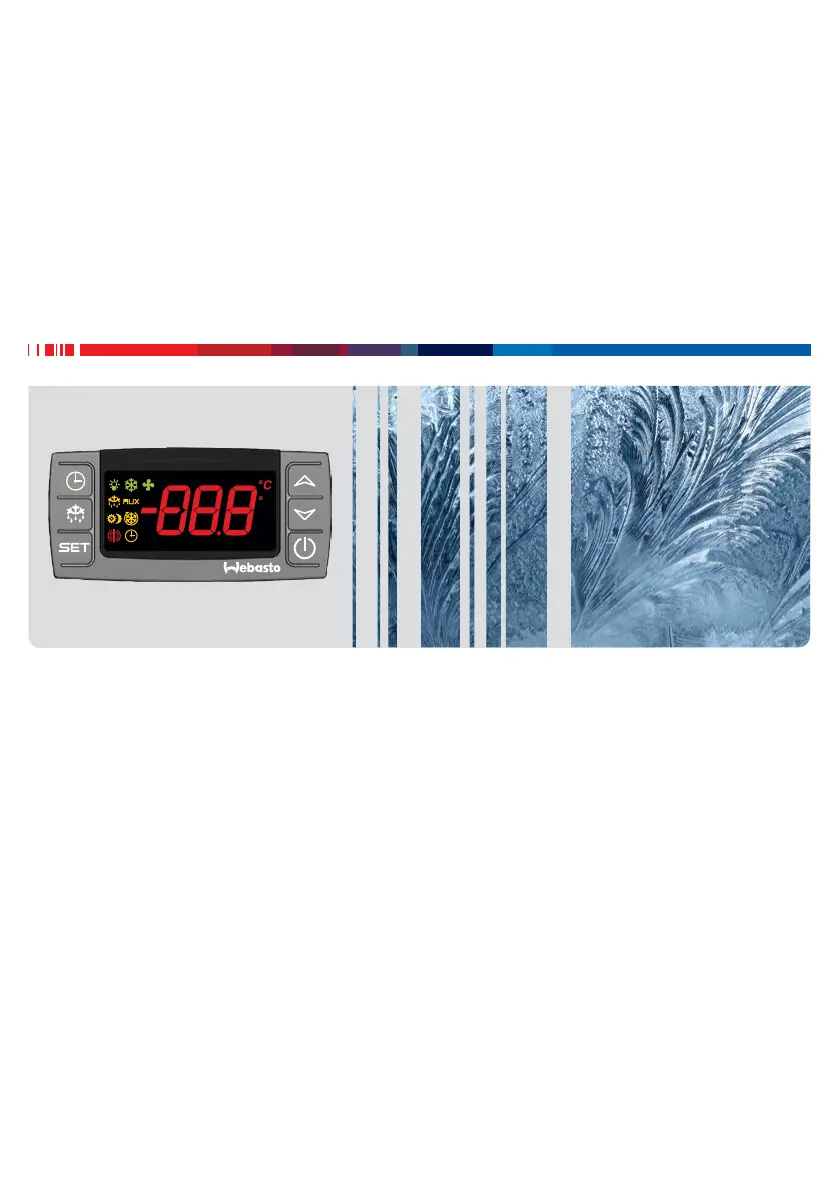
Operating Instructions
Transport Refrigeration
Frigo Top 10 I-ES
Frigo Top 25 | 35 | 40 RT-DS
Frigo Top 24 | 36 | 38 | 43 RT-D
Pordoi 2000 | 3000 | 4000
Rolle 2000 | 2000 HD
English
Deutsch Bedienungsanweisung
Français Notice d’utilisation
Italiano Istruzioni per l’uso
Español Instrucciones de uso
F

Questions and Answers

  • J
    James StewartAug 6, 2025
    Why does my Webasto Frigo Top 10 I-ES take so long to cool?
    • S
      Shannon SmithAug 6, 2025
      If your Webasto Automobile Accessories system takes a long time to cool, the reason may be that the goods you're loading weren't chilled beforehand. Make sure that all items are already chilled before you load them into the system.
  • J
    Jeanette HendersonAug 17, 2025
    What to do if the compressor in my Webasto Frigo Top 10 I-ES is making unusual noises?
    • R
      Rachel WhiteAug 17, 2025
      If the compressor in your Webasto Automobile Accessories is making unusual noises, immediately switch off the system and drive to your nearest Webasto service partner for assistance.
  • W
    williamsonlarryAug 26, 2025
    What to do if my Webasto Automobile Accessories belt drive is making unusual noises?
    • J
      John HawkinsAug 26, 2025
      If the belt drive in your Webasto Automobile Accessories is making unusual noises, drive slowly to your nearest Webasto service partner for assistance.

Summary

About this document

Purpose of the document

Explains the role of the operating instructions in providing safe operation information.

Using this document

Provides guidance on how to read and use the manual effectively for unit operation.

Use of symbols and highlighting

Explains the meaning of symbols and highlighting used to convey important information.

Warranty and liability

Outlines Webasto's liability exclusion for defects arising from disregarded instructions.

Safety

Versions

Details the different versions of the transport refrigeration system available.

General safety

General safety considerations for the transport refrigeration system's operation and use.

Intended use

Describes the system's intended purpose for cooling commercial vehicle load compartments.

Operation

Buttons

Describes the function of various buttons on the control panel.

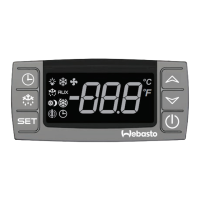
Control element indicators

Explains the meaning of symbols and indicators on the control element.

Display activities

Details the various display activities and their meanings.

Switch on the refrigeration system

Step-by-step instructions for switching on the refrigeration system.

Switch off the refrigeration system

Instructions for safely switching off the refrigeration system.

View cooling compartment set-point

How to view the current temperature setting of the cooling compartment.

Set the cooling compartment temperature

Guide on adjusting the target temperature for the cooling compartment.

Lock and unlock buttons

Instructions on how to lock and unlock the control panel buttons.

Regulate the load compartment temperature (optional)

Explains optional regulation of load compartment temperature.

Display mode heating; cooling

Explains how to interpret symbols for cooling and heating modes.

Stand-By mode (Optional)

Details the optional Stand-By mode for the system.

Defrost the refrigeration system

Explains the necessity and methods of defrosting the refrigeration system.

Defrost automatically

Describes the automatic defrost process and its initiation.

Defrost manually

Instructions for manually initiating the defrost cycle.

Service indicator

Explains how the service indicator works and what it signifies.

Hours of compressor operation

How to view and interpret the compressor operating hours.

Error messages

Error messages

Lists and explains various error codes and their possible causes.

Troubleshooting

Self-help system failure

Guidance for diagnosing and resolving common system failures.

Notes on good practice

Loading correctly

Best practices for loading goods into the cooling compartment for optimal air circulation.

Cooling correctly

Tips for efficient cooling and preventing ice buildup on evaporator walls.

Storing fresh produce

Recommended storage temperatures for various types of produce.

Technical support; customer service

Technical support; customer service

Information on how to obtain technical assistance and customer support.

Disposal

Disposal

Guidelines for the proper disposal of system components at a recycling centre.

Webasto Frigo Top 10 I-ES Specifications

General IconGeneral
BrandWebasto
ModelFrigo Top 10 I-ES
CategoryAutomobile Accessories
LanguageEnglish

Related product manuals