7
Setting up a vehicle heating system
u
Before switching on the heater (with the ignition on), set the vehicle heating
system to “warm”.
u
Set the vehicle fan to the lowest setting (lower power consumption).
NOTE
Depending on the type of vehicle, the air-conditioning system can per-
form these settings automatically or partly autonomously. Ask your
specialist dealer to explain the optimum settings.
8
Operating mode indicator
u
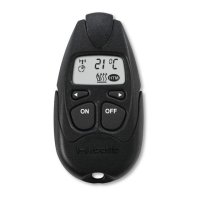
Press and hold the ON and OFF push buttons
simultaneously.
The operating indicator lights up. The operating
mode is displayed:
– Red for heating
– Green for ventilation
u
Release the ON and OFF push button (or after 3
seconds):
The operating indicator goes out.
NOTE
The ventilation function is optional.
9
Operating time
The operating time of the heater or vehicle fan can be set on the transmitter in
10-minute increments. The operating time is set to 30 minutes at the factory.
Check the operating time
u
Briefly press the ON and OFF push button simul-
taneously 3x consecutively.
The LED flashes according to the operating time.
Count the number of flashing pulses. The corres-
ponding operating time is specified in the table.
Also count the first flashing pulse that appears im-
mediately after the third time the ON and OFF push
button is pressed.
Setting the operating time
| 9030719B | 5



 To Next Page
 Loading...