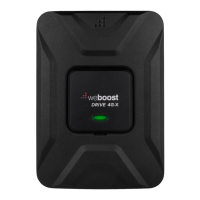
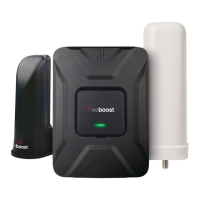
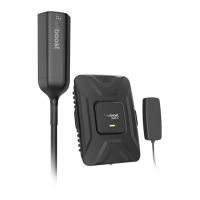
DRIVE 4G-X VEHICLE SIGNAL BOOSTER
7
______
Step 5: Plug Power Adapter
Into Vehicle’s Power Supply
Plug the power adapter into vehicle’s 12V DC power supply.
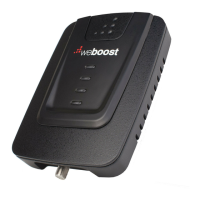
Power up your Drive 4G-X by fl ipping the switch on the back
of the DC power adapter on. If your Drive 4G-X is working
correctly, the light on the power adapter will be red, and the
light on the booster will be green.
NEED HELP?
support.weboost.com 866.294.1660
DC Power Adapter



 To Next Page