
 Need help?
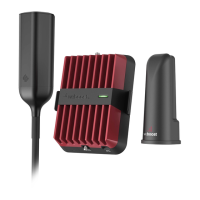
Do you have a question about the weBoost eqo 460032 and is the answer not in the manual?
Guide to using phone test mode for finding the optimal location with the strongest cell signal.
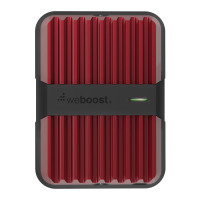
Instructions for placing the eqo booster in the room with the best signal.
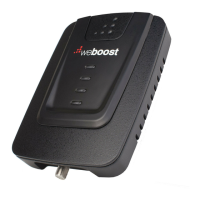
Connecting the power supply and coax cable to the side of the booster.
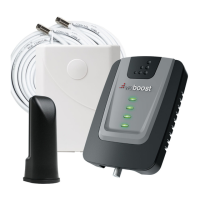
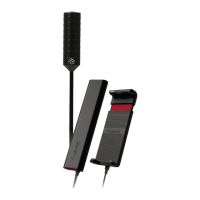
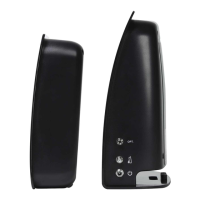
Guidance on positioning the antenna at least 6 feet away from the booster and mounting options.
Connecting the other end of the coax cable to the antenna.
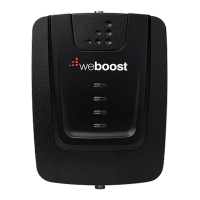
Plugging in the booster and observing the initial blinking light sequence.
Steps and website for registering your new signal booster for customer service.
Interpretation of LED indicator colors (Green, Red, Orange) for booster status.
 General
| Model | weBoost eqo 460032 |
|---|---|
| Type | Cell Phone Signal Booster |
| Model Number | 460032 |
| Impedance | 50 Ohm |
| Connectors | SMA |
| Coverage Area | Up to 1, 500 sq ft |
| Compatible Carriers | AT&T, Verizon, T-Mobile, Sprint |


 To Next Page