9
PROFESSIONAL VEHICLE SIGNAL BOOSTER KIT DRIVE X FLEET
______
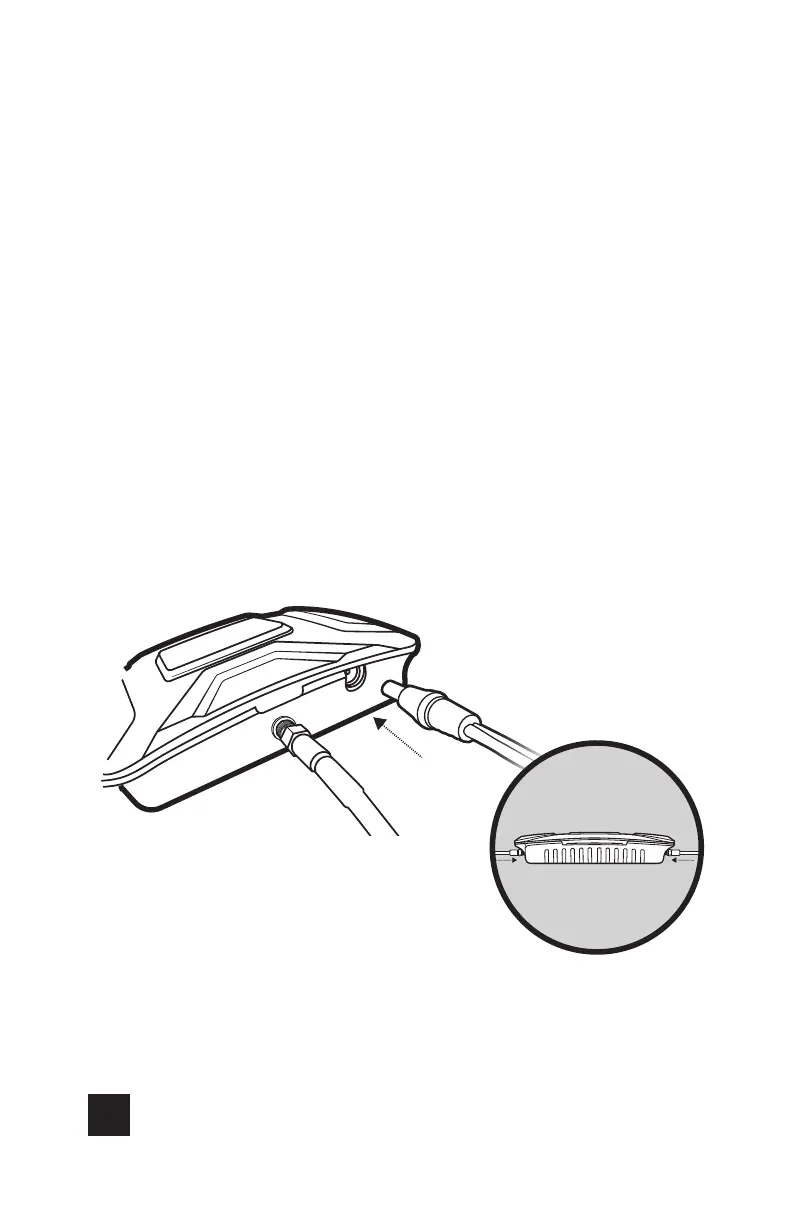
Step 6: Connect Power
Supply To Booster
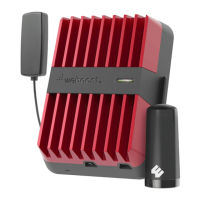
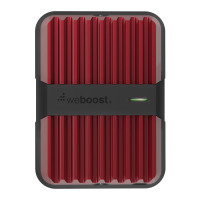
Connect the power supply cord to the end of the Drive X
labeled “Power.” Congratulations! Once your booster is running
please allow some time for your phone to adjust to your
new signal.
NOTE: Do NOT connect the power to the signal booster until you have
connected both the Inside and outside antennas.
Power Supply



 To Next Page