ig Series HMI Installation Manualig V2.0
Part 9 Touch Screen Calibration
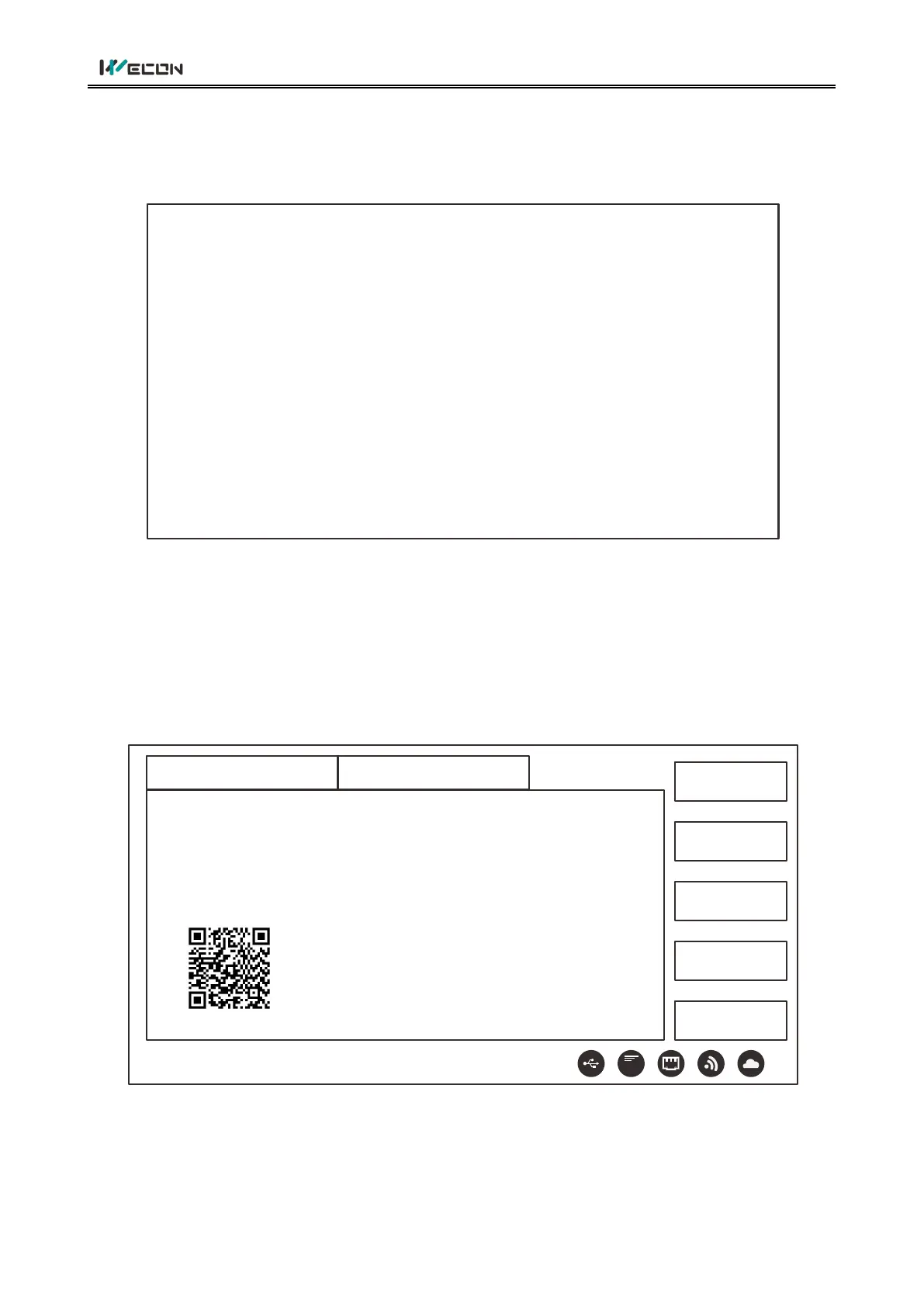
After starting HMI,keep on pressing top left corner of screen about 3 to 5 seconds, an interface will
appear as following :
+
Note:Press it until long beep
Press the Symbol‘+’
Touch panel diagnosing tool
Click top left corner, top right corner, bottom right corner, bottom left corner and the center of ‘+’ in
turn and restart.
Part 10 Parameters Setting
Keep on pressing top right corner of screen about 3 to 5 seconds,an interface will appear as
following:
About
HMI Info HMI Version
Network
USB Update
System
Restart
4G
Model: PI xxxxxx
Serial No: Uxxxxxxxxxxxxxxxxxxx
Machine Id: Uxxxxxxxxxxxxxxxxxxxxxxxxxxxxxxx
Product Id: XTxxxxxxxxxxxxxxxxxxxxxxxxxxxxx


 To Next Page