Web Interface
The web interface allows users to view the status and logs of the unit, as well as download assets from the unit. It is designed
to perform best with Mozilla FireFox web browser.
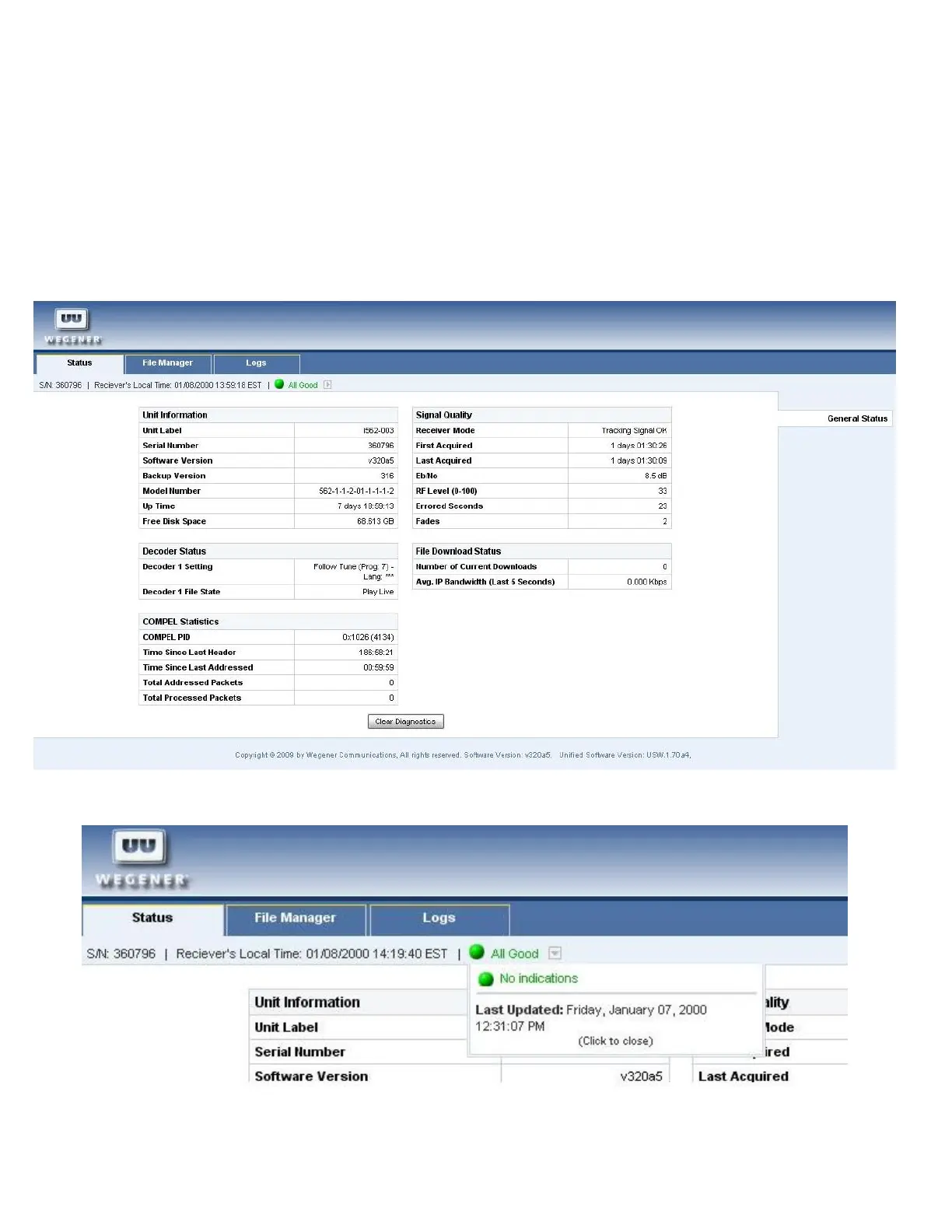
Status view
The status view displays the current status of the unit, including the serial number, software versions installed, decoder
status, Compel statistics, RF signal information, and file download status.
The green LED icon will indicate the state of the LED on the unit and clicking this will show any warnings or alarms, if
present.
www.wegener.com 800092-02 Rev. C 11



 To Next Page