QUICK START GUIDE
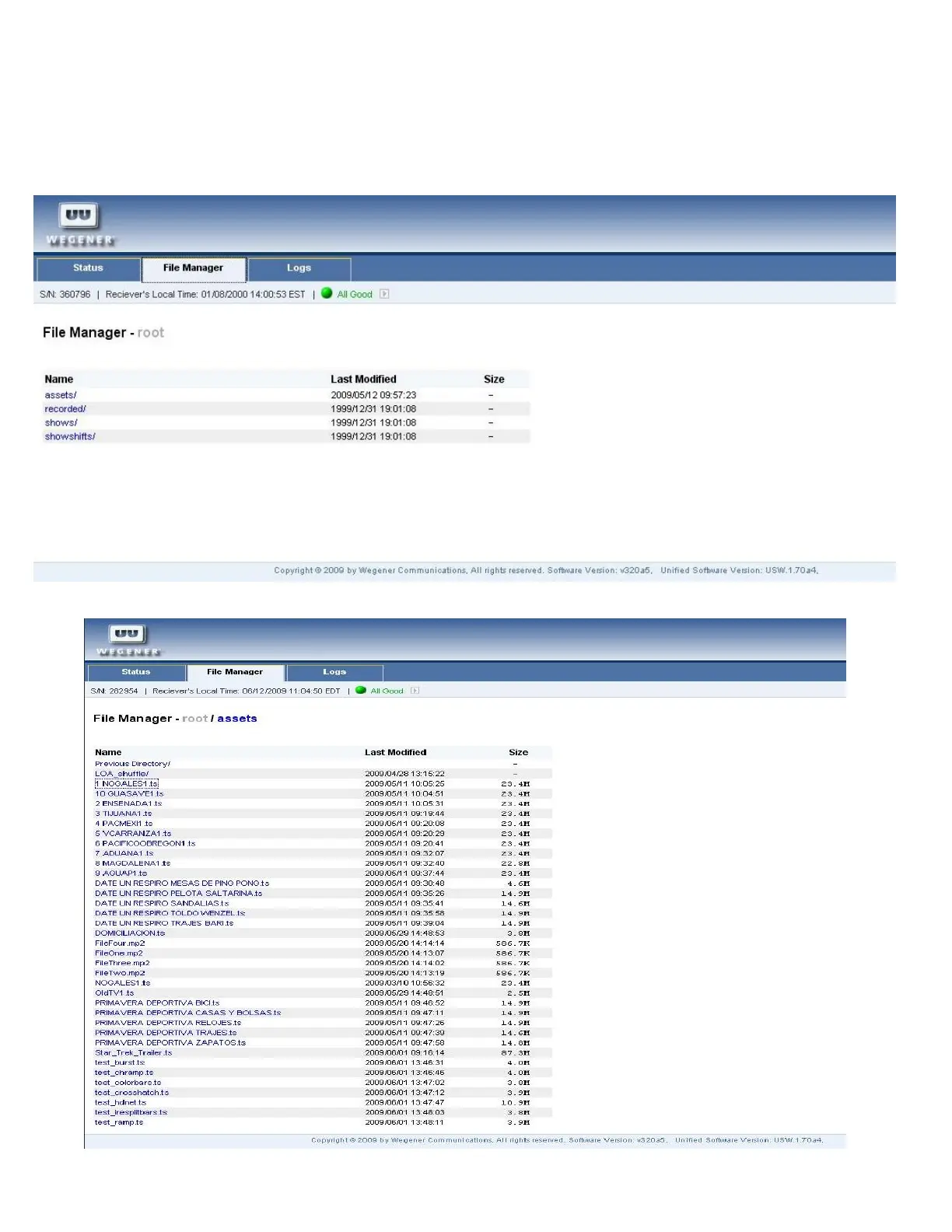
File Manager view
The file manager view allows the user to view the assets currently on the unit. Assets are user provided video, audio, image,
or text files downloaded via Compel.
Click the assets folder to view the list of assets. Assets may be viewed, played or downloaded by clicking on the file name.
12 800092-02 Rev. C www.wegener.com



 To Next Page