QUICK START GUIDE
Exit OSD
Exits the OSD. This may also be done by the left arrow key. The OSD will time out and exit in 1 minute if no action is taken.
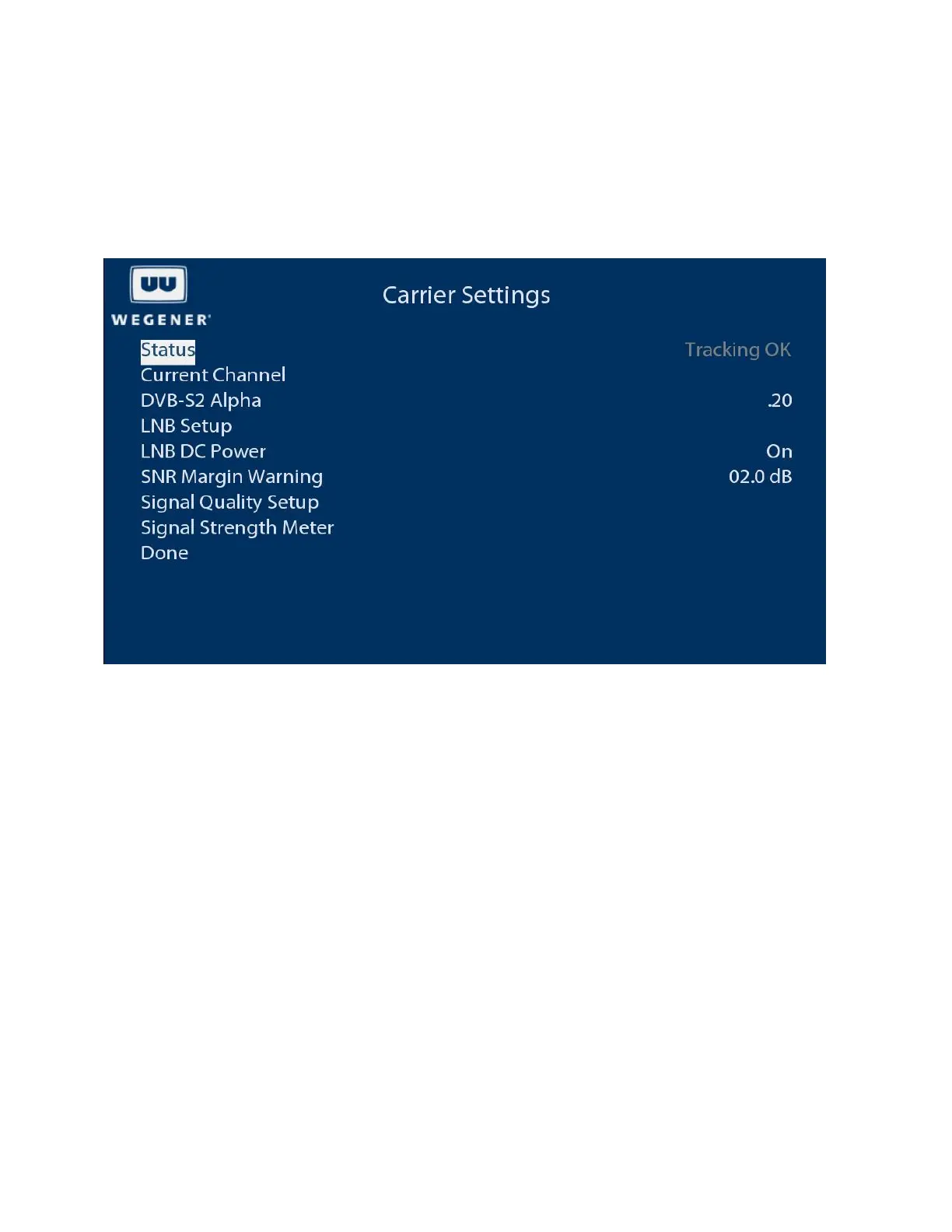
Carrier Settings
The carrier settings menu allows viewing/changing the tuned RF carrier settings, LNB parameters, signal quality alarm
settings and a signal strength meter.
Current Channel
Allows editing of RF tuning parameters, frequency, data rate, FEC rate, program number, etc.
DVB-S2 Alpha
Adjusts receiver RF filter characteristics. Options are .20, .25, and .35.
LNB Setup
Allows editing of LNB type and frequency.
LNB Power
Allows enabling or disabling of LNB power insertion on RF port 1.
SNR Margin Warning
The receiver will display a warning when the signal to noise ratio (or Eb/No) reaches this many dB above the alarm level.
The alarm level is based on the modulation format and FEC rate.
Signal Quality Setup
Allows editing of the number of errored seconds per minute at which to display an alarm.
Signal Strength Meter
Displays a meter showing signal strength and Eb/No to aid in antenna peaking.
8 800092-02 Rev. C www.wegener.com



 To Next Page